


SVG to HEIC Free Online Converter
The small sizes of files would be appreciated by many users who still want to maintain their quality. HEIC format preserves the brightness and sharpness of the image and reduces the size of the file.
With TrimIMG you can create an SVG image with no program into a HEIC image. The tool is browser-based. It serves Windows and Mac mobile phones. The tool is a good choice for a quick, secure, and free converter.
Other formats can also be changed to HEIC with TrimIMG, including JPG images, PNG images to HEIC, and ICO images to HEIC. Various images can be easily converted, and their quality is not compromised.
Why Convert SVG Images to HEIC?
SVG files are applicable in graphics and logos. However, sometimes you have to have a smaller image file, which is less difficult to store and transmit.
- Smaller file size
- High image quality
- Better storage control
- Faster sharing online
Features of the TrimIMG SVG images to HEIC Converter
Fast Processing
Your photo is changed within seconds. No long waiting time.
No Registration Needed
You do not need to sign up. All you have to do is upload your file and start converting.
Free to use
The SVG to HEIC free. There are no hidden charges.
Secure Upload
Your records are handled correctly. Privacy is always protected. TrimIMG converts your format securely.
Automatic File Deletion
Upon conversion, all the files are deleted. Your data stays private.
Works on All Devices
The device is compatible with Windows and mac on mobile tablets. Any current browser supports it.
How to Convert SVG images to HEIC images
Most people go to Google and ask how to convert SVG images to HEIC. The steps are very simple.
- Step 1: Start TrimIMG on your web browser.
- Step 2: Upload your SVG file.
- Step 3: Allow some time to pass.
- Step 4: Save your HEIC picture.
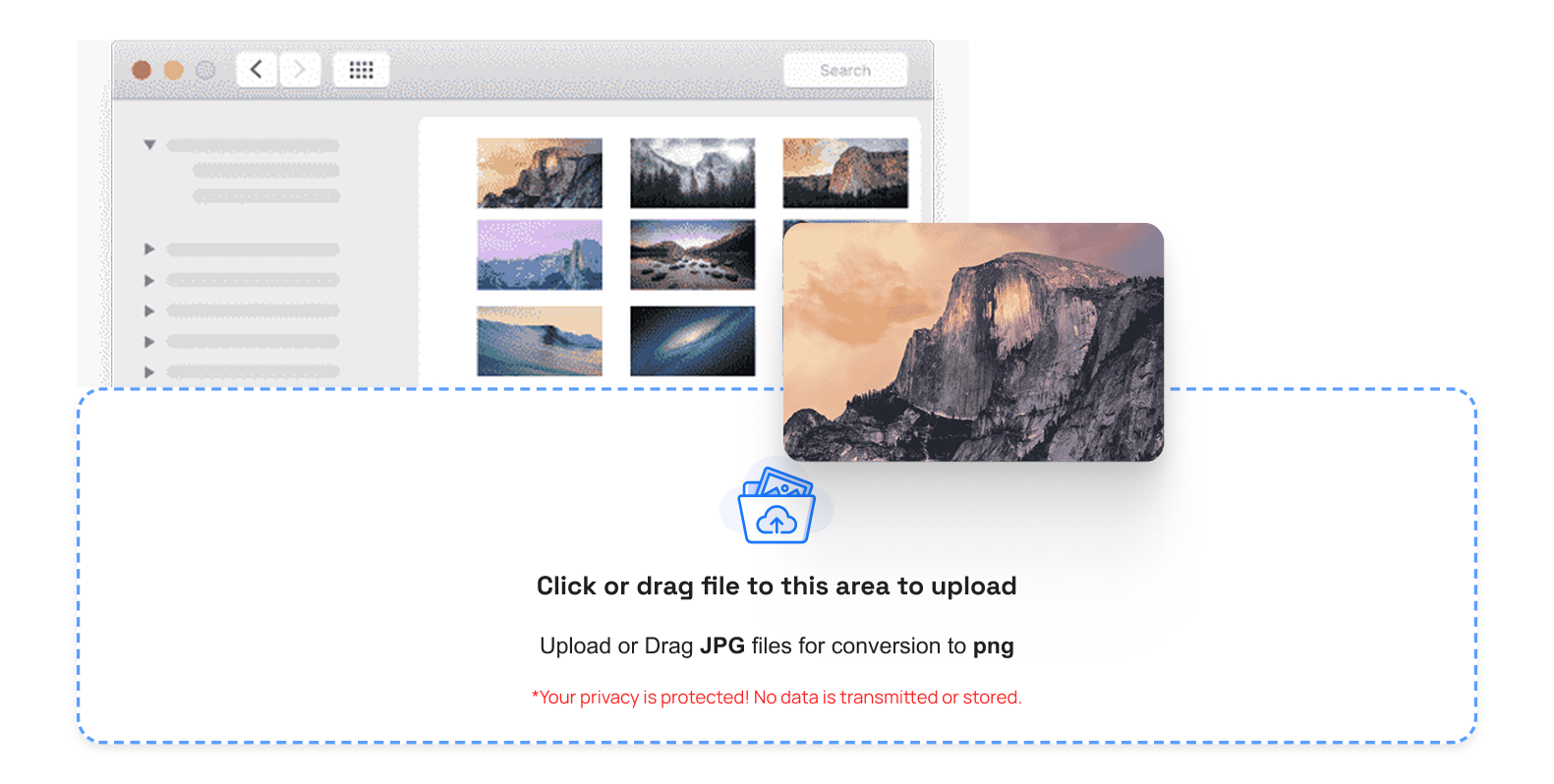
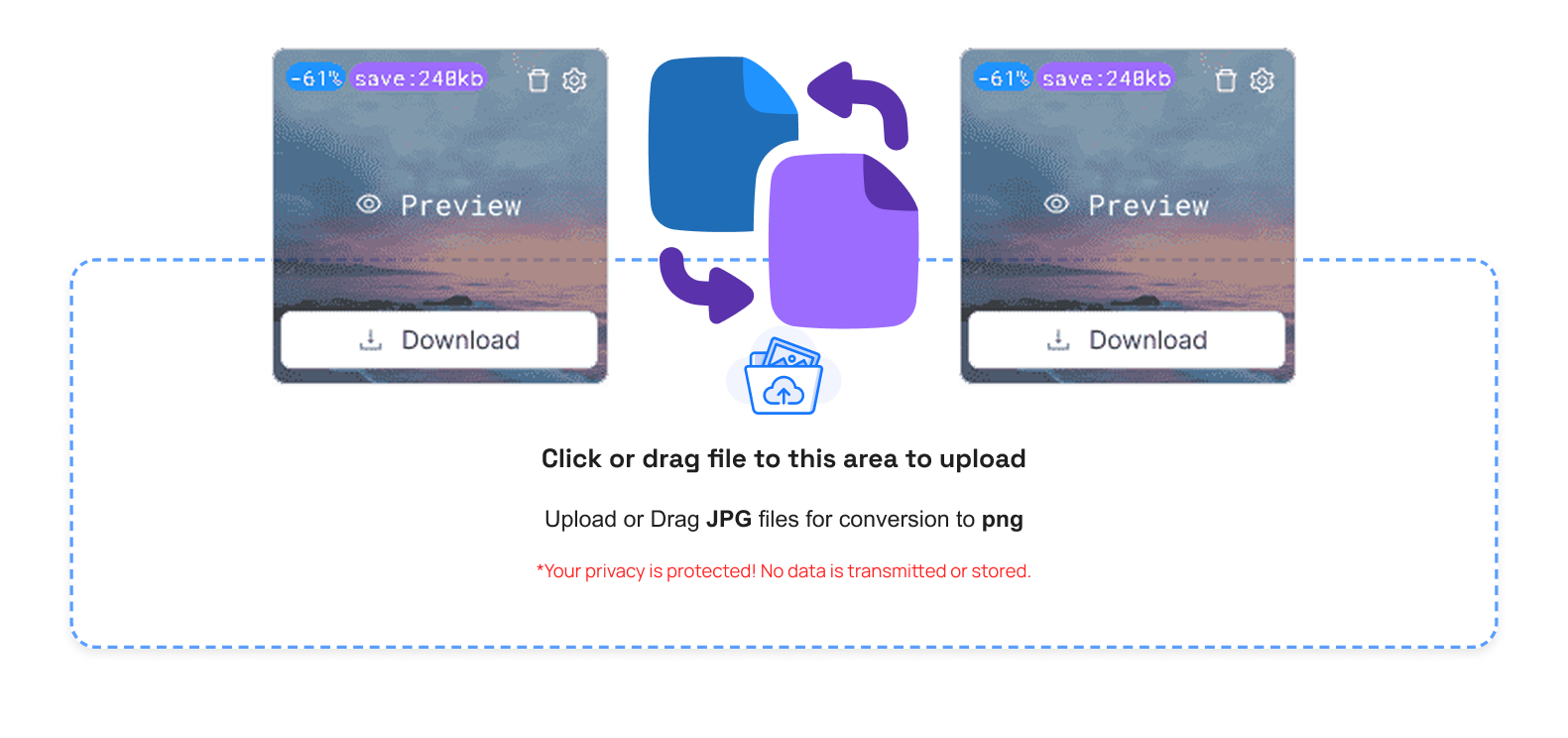
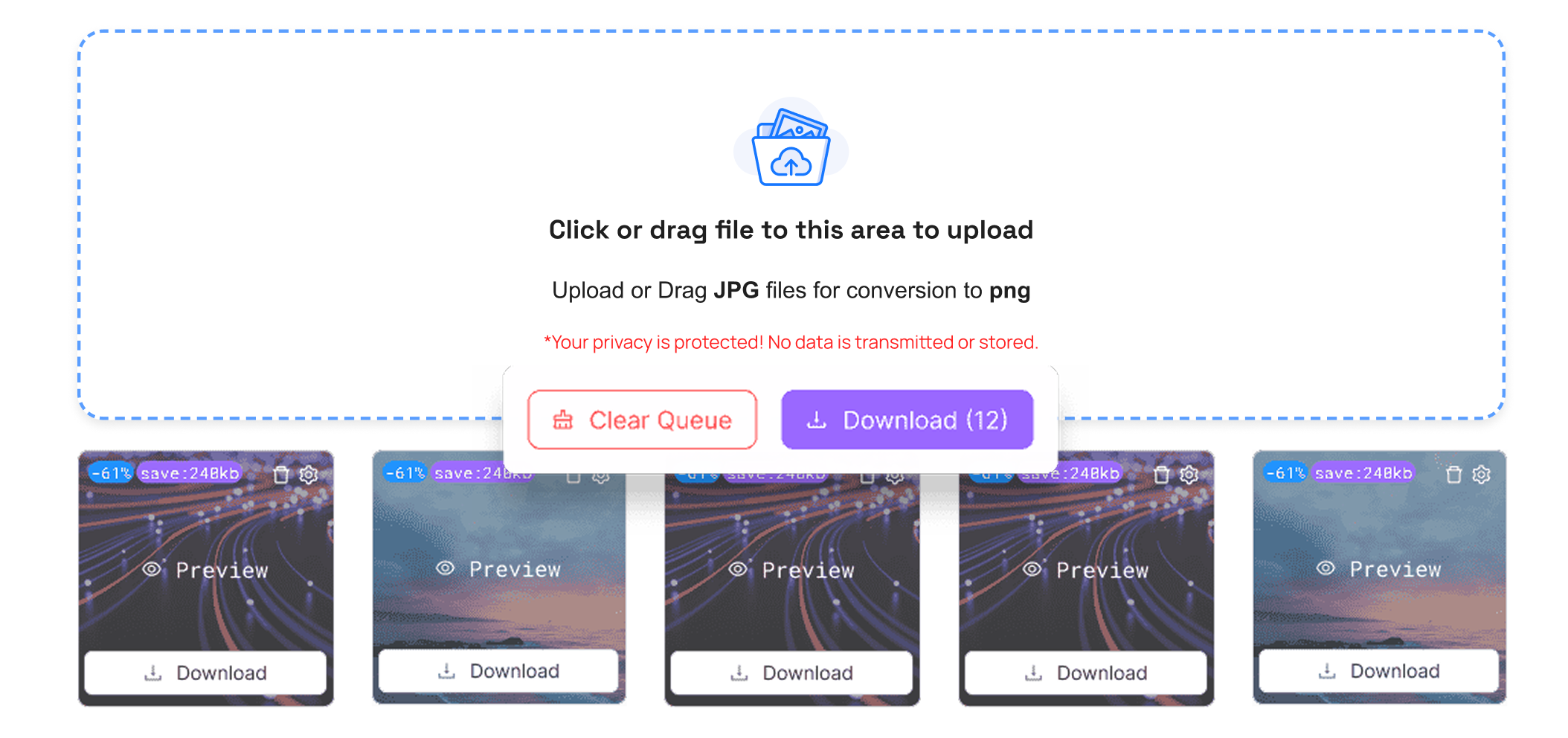
The converter is called the SVG to HEIC converter online makes it easier and faster to convert images. Upload your file and convert it within a few seconds.
Key Benefits of Converting SVG images to HEIC
- Redundant File Size: HEIC photos occupy less space in the storage disk as compared to numerous other formats.
- Large Image Quality: After converting HEIC to SVG. The image was sharp and bright.
- Simple Sharing: Smaller files load faster on websites and social media.
- Improved device compatibility: HEIC is compatible with modern devices and iPhones.
You can easily convert your BMP images to HEIC or WEBP to HEIC and GIF to HEIC. TrimIMG converts your format securely.



