


JPEG to HEIC Converter Free Online Tool
A vast number of users need the smaller size of image files without quality compromises. HEIC pictures are sharper and the file sizes are smaller.
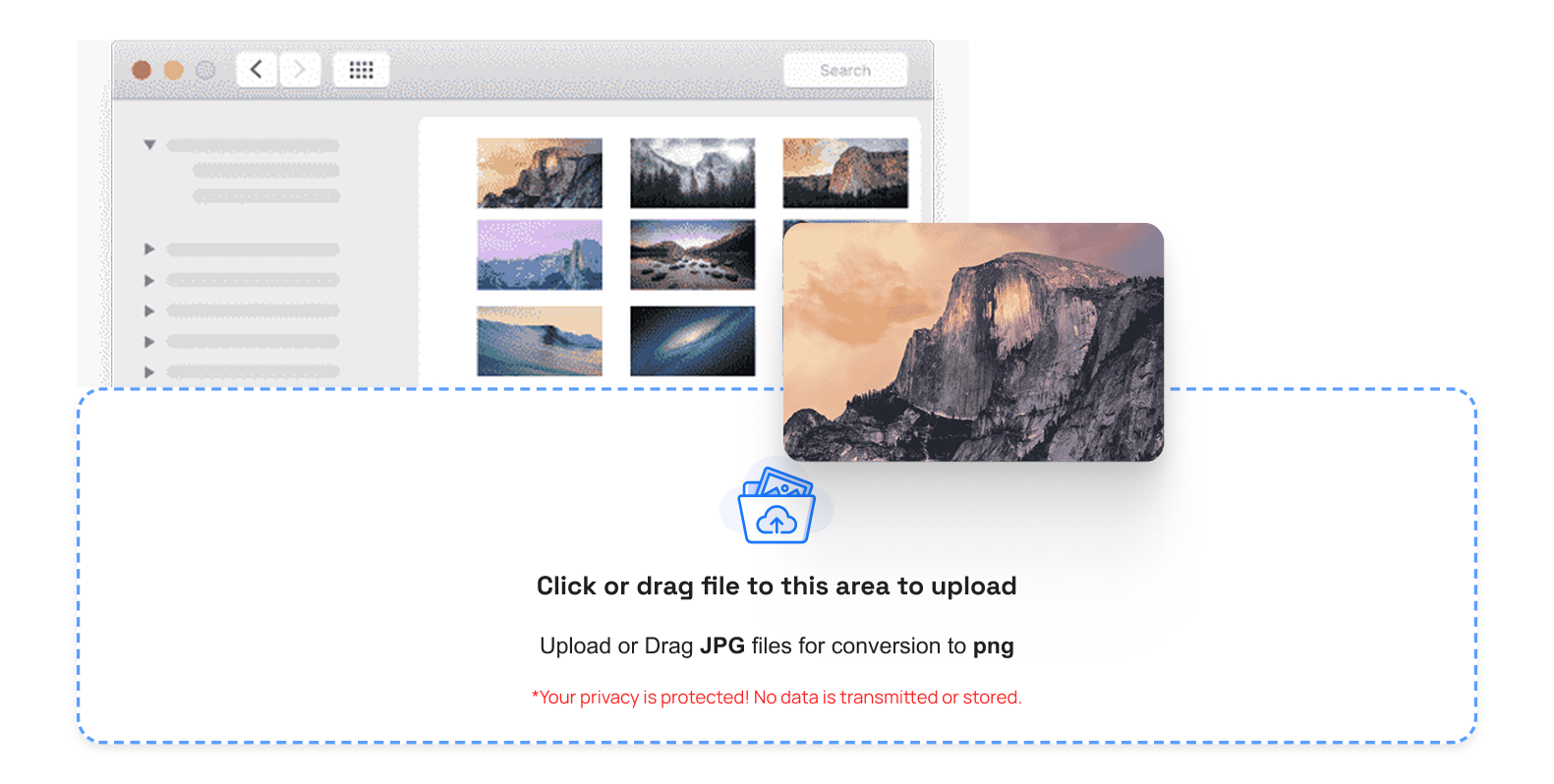
Using TrimIMG, you can convert images in your browser. No software is needed. It is a convenient user-friendly process that can be used on both mobile and desktop devices.
When you are hoping to find a safe and fast way to deal with image conversion, then this tool, SVG to HEIC or WEBP to HEIC is constructed to your demands.
Why Convert JPEG images to HEIC?
JPEG images are widely used. They find themselves supported everywhere. They can consume a lot more storage space than HEIC files.
Using a tool reduces your image size. The quality is clear and bright. This saves you space on your phone or computer. Small pictures also load faster on websites.
Features of the TrimIMG JPEG to HEIC online Converter
Fast Processing
And in a few seconds, your image changes. No waiting time.
No Registration
There is no need to open an account. Just upload and convert.
Converter Free
The tool is completely free. There are no hidden charges.
Secure Upload
When converting files, your files are secured.
Automatic Deletion
The privacy of uploaded files is ensured by removing all files that are later converted.
How to Convert JPEG images to HEIC
The steps are very easy.
- Open TrimIMG in your browser.
- Upload your JPEG file.
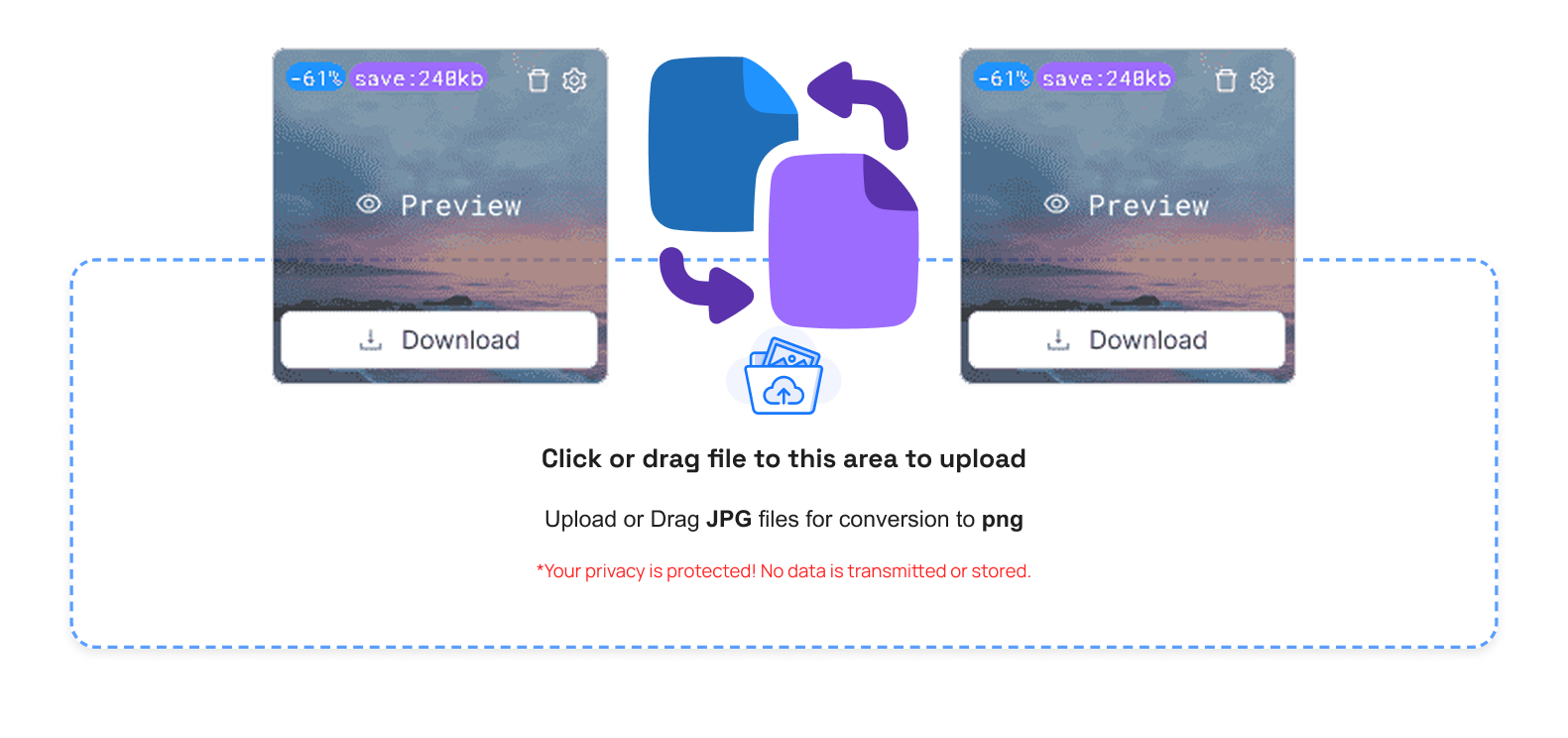
- Wait a few seconds.
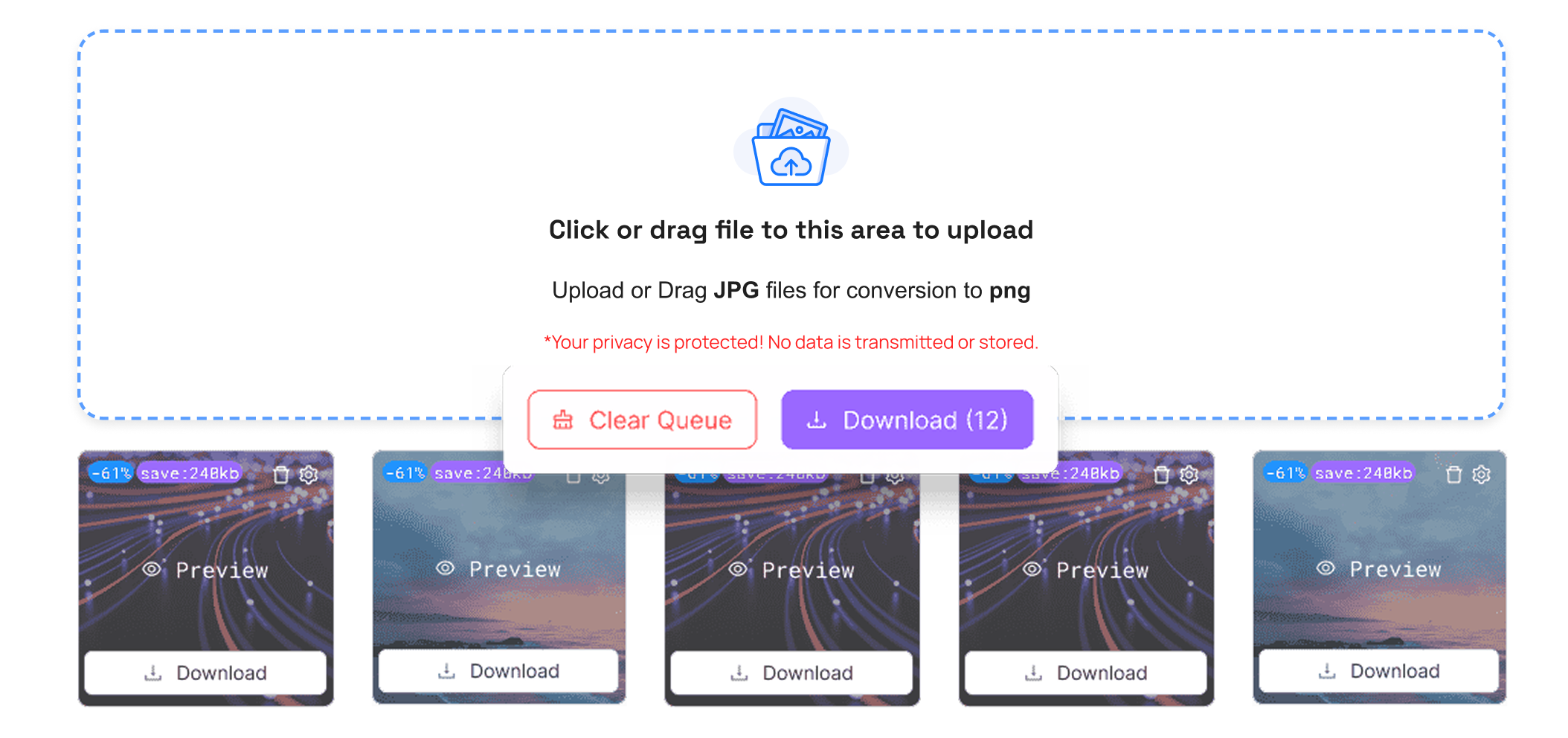
- Download your HEIC image.
TrimIMG converts images from BMP to HEIC, ICO to HEIC, and PNG to HEIC.
JPEG to HEIC on Mac
TrimIMG would simplify everything if you need to convert JPEG images to HEIC Mac. There is no app to be installed.
All one needs to do is open the site in your Mac browser. Upload your JPEG image. Immediately download the HEIC file. It is compatible with Apple products and space-saving.
Convert Live Photo JPEG into HEIC
There are users who desire to convert live photo in order to have more efficient storage. The image remains clear and sharp.
This simplified the management of your photo library without using your device's storage.
Key benefits of JPEG images to HEIC Conversion.
Smaller File Size: HEIC images require less space than JPEG files.
High Image Quality: When converted, your photo remains sharp.
Better Storage Management: You can save more photos on your device.
Faster Sharing: It is easier to upload and send smaller files.
Why Choose TrimIMG?
TrimIMG is concentrated on speed, privacy, and quality. The JPEG to HEIC conversion is easy and convenient.
No complex configuration is involved. No technical knowledge is required. Just upload and download.
This tool is reliable in terms of whether you require the conversion of personal photos or the optimisation of websites.



