


HEIC to ICO Converter free and Online
A converter is a useful tool to generate icons, which are compatible with Windows operating systems, browsers, and websites. ICO is required for desktop shortcuts, taskbar icons, and favicons. Even minor details create a dramatic effect. Sharp and clean icons enhance confidence and provide your app or site with a professional appearance.
What is a HEIC to ICO converter?
HEIC Image to ICO converter: TrimIMG converts HEIC images to ICO files. The Windows icons and favicon generators follow the ICO standard. ICO files may have a variety of icon sizes
- 16x16
- 32x32
- 64x64
- 256x256
ICO multi-size files can be used in high-DPI monitors and Retina displays. Your icons remain clear on all screens. Turning images makes it compatible with browsers, Windows applications, and website favicons. Professional online usage and the use of HEIC icons require an ICO file.
Features of a Professional HEIC to ICO Converter
- Multi-resolution output: the single ICO multi-resolution file that is compatible with the Windows OS and high-resolution displays.
- Transparency support: light or dark transparent backgrounds.
- Safe HTTPS: uploading/converting your files is confidential.
- Automatic deletion of files: no files are saved on the server.
- Fast functionality: conversion occurs immediately.
- Compatibility: works on Windows or Linux without any software installation.
Key Benefits of HEIC to ICO Converter
- Convenience: No line is to be installed; do your task in your browser.
- Speed: Design desktop shortcuts, icons and favicons in seconds.
- Retina and High-DPI Ready: Multi-size icons make your graphics look bright.
- Security: Privacy is protected by HTTPS and automatic deletion.
- Professional Appearance: Clean icons enhance brand belief and trust.
How to Convert HEIC images to ICO Online
- Upload your HEIC file.
- Choose the required icon size, or select the multi-size output.
- Download your ICO file.
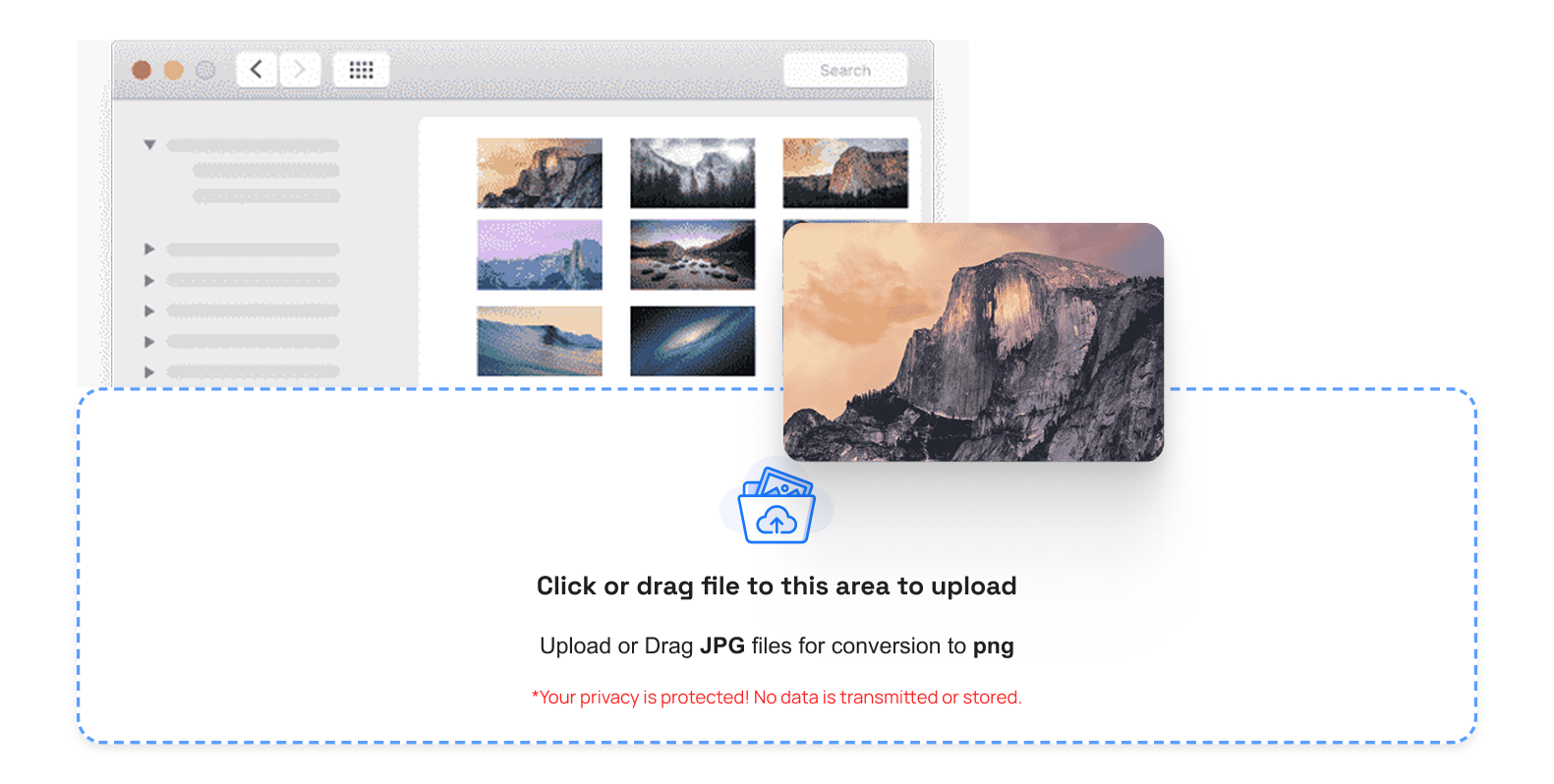
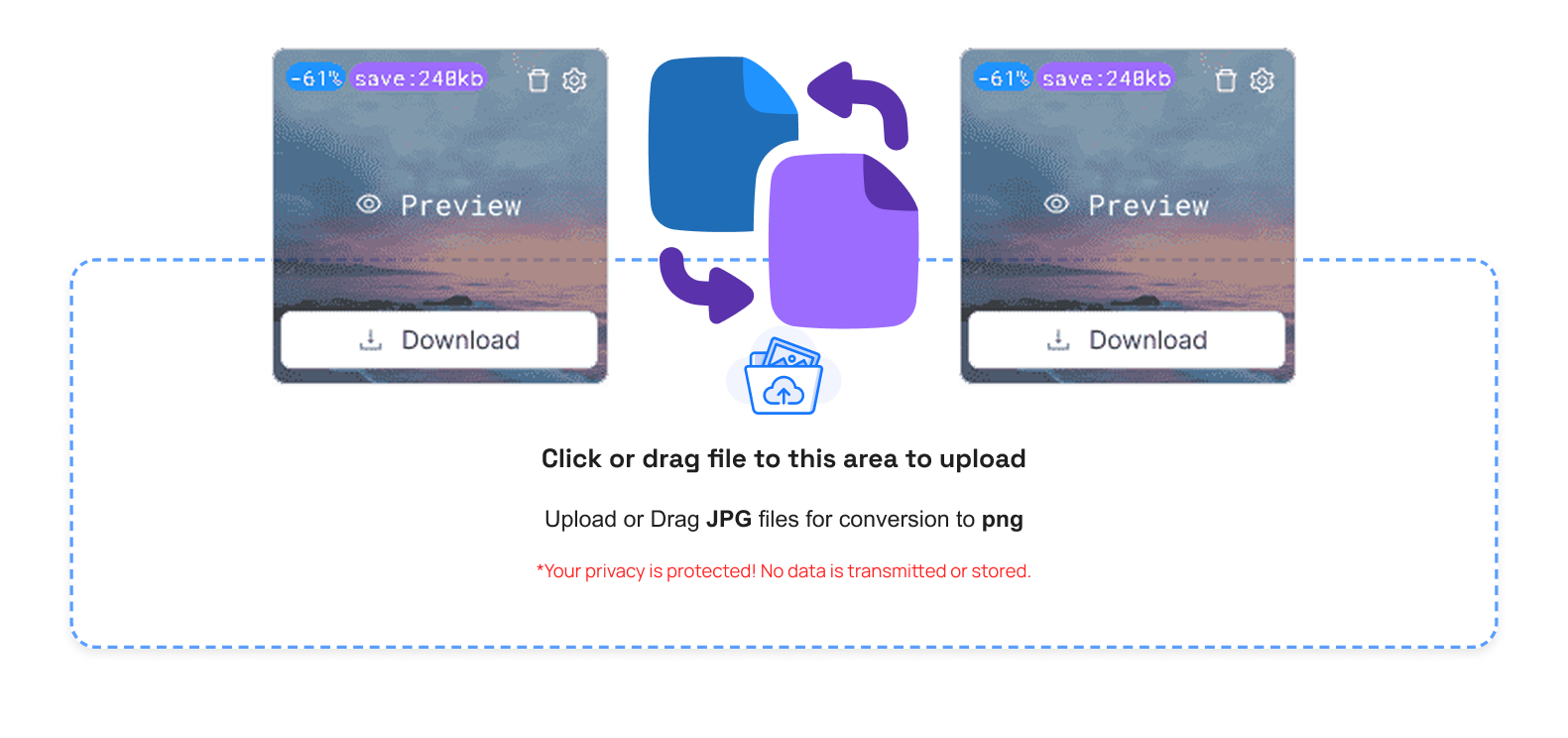
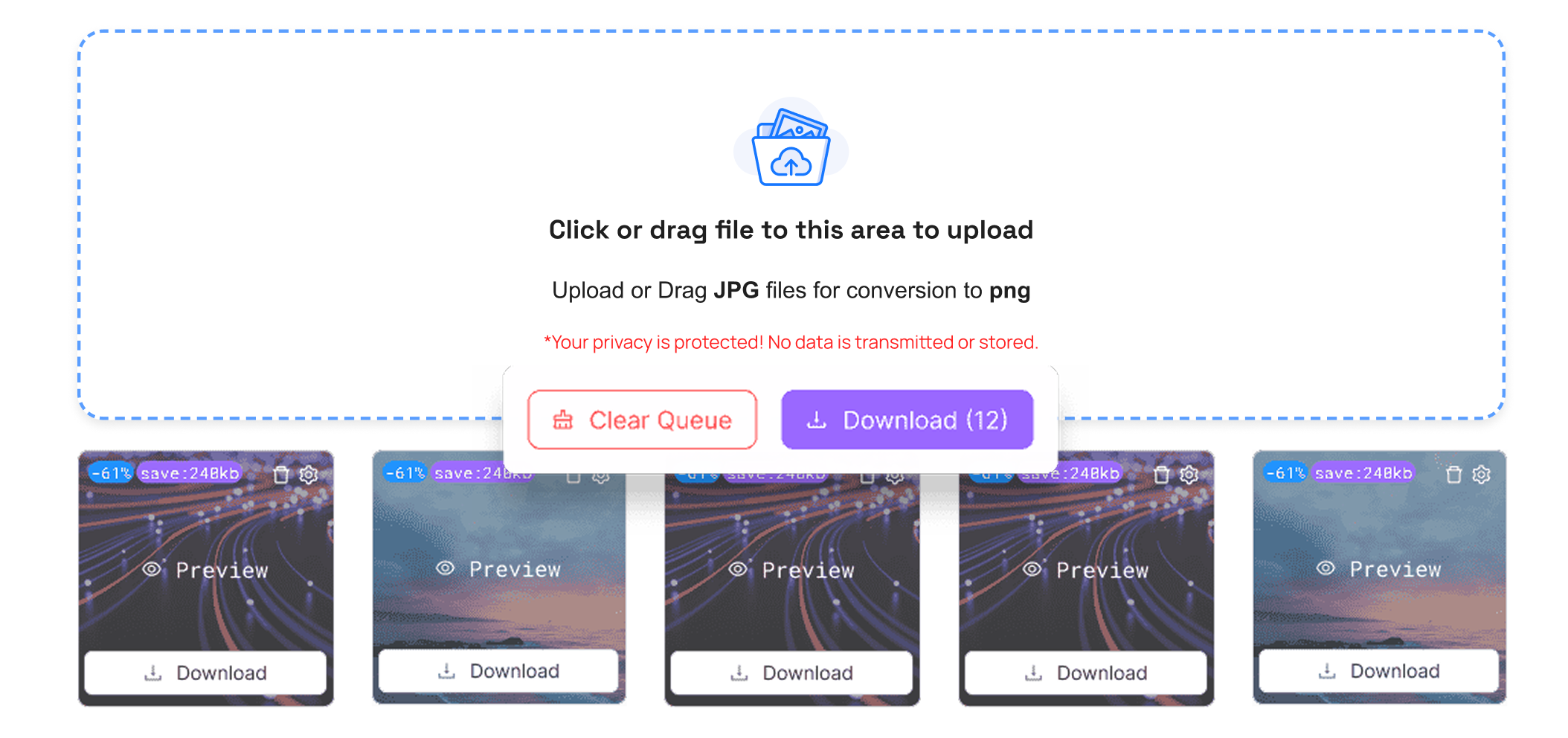
That's it. No complex settings. No technical steps. Use your ICO file with Windows applications, desktop icons, taskbar icons, or website favicons. Install the file in your HTML header and put it on your server. Your icon will be compatible with every browser.
If you want to convert your PNG, WEBP, and BMP images into ICO, TrimIMG helps you do it easily and securely.



