


WebP to ICO Converter Online Free Fast and Secure
All you need to do is upload a WebP image and download a complete, ready-to-use ICO file.
Icons are small but powerful. A clean favicon enhances brand trust. Your application looks businesslike with a sharp Windows icon. This is why it is important to convert a WebP to ICO using the best converter.
This tool is for website owners who need to convert PNG, BMP, and HEIC files to ICO format quickly.
What Is a WebP Converter to ICO?
This online ICO icon creator allows you to generate multi-size Windows application icons instantly. WebP is a new image format optimised for web performance and file size. Windows operating systems and conventional browsers use the ICO format for official icon files.
ICO format is needed by Windows applications, desktop shortcuts, and software icons. ICO files can also be used as favicons in browsers. WebP is not directly usable as a Windows icon. You first have to convert.
Multi-resolution support is the key advantage of the ICO format. ICO files may also serve as browser favicons. WebP can not be used directly as a Windows icon. The first step is to convert WebP into ICO.
The most important strength of the ICO format is multi-resolution support. There can be more than one size of icon in an ICO file.
- 16x16
- 32x32
- 48x48
- 64x64
- 128x128
- 256x256
This provides support of high resolution display on various screen sizes.
Features of a Professional WebP to ICO Converter.
The high-quality WebP to ICO online tool has more than mere conversion of files to WebP. It is a full-favicon and ICO icon generator for web projects.
Multi-Size Icon Output
At the converter, multi-resolution ICO files are generated. This allows it to employ one icon file, which can work across all gadgets and other screen resolutions. It improves its use with Windows 10, Windows 11, and modern browsers.
Transparent background support.
The transparency is enabled by the ICO form. This removes white borders on your icon. Transparent icons are used to incorporate light and dark themes.
The Best Quality Image Processing.
Improved image conversion does not destroy the initial sharpness and brightness. You have a sharp logo, Windows, even small.
Rapid Web-Based Conversion.
All online and does not need any installation. The converter is a real time file converter.
Secure File Encryption
Trustworthy services are secured under HTTPS. Processing automatically removes images uploaded. Your data remains safe.
Benefits of Using an Online Converter
Easy and simple to use: an icon converter that is browser-based is a time- and energy-saver. There is no need to install any software.
Quick conversion rate: in seconds you can make WebP to ICO. This can be used in the development of websites and the implementation of the software.
Improved compatibility: Convert to ICO and ensure your icon is compatible with Windows desktop browsers and legacy systems.
Better brand identity: Clean icons enhance confidence and user-friendliness.
How to Convert WebP images to ICO Online
It is easy to convert a WebP image to an ICO file.
- Step 1: Upload your WebP image.
- Step 2: Choose the icon sizes needed or the multi-resolution option.
- Step 3: Convert the image easily.
- Step 4: Download your ICO file.
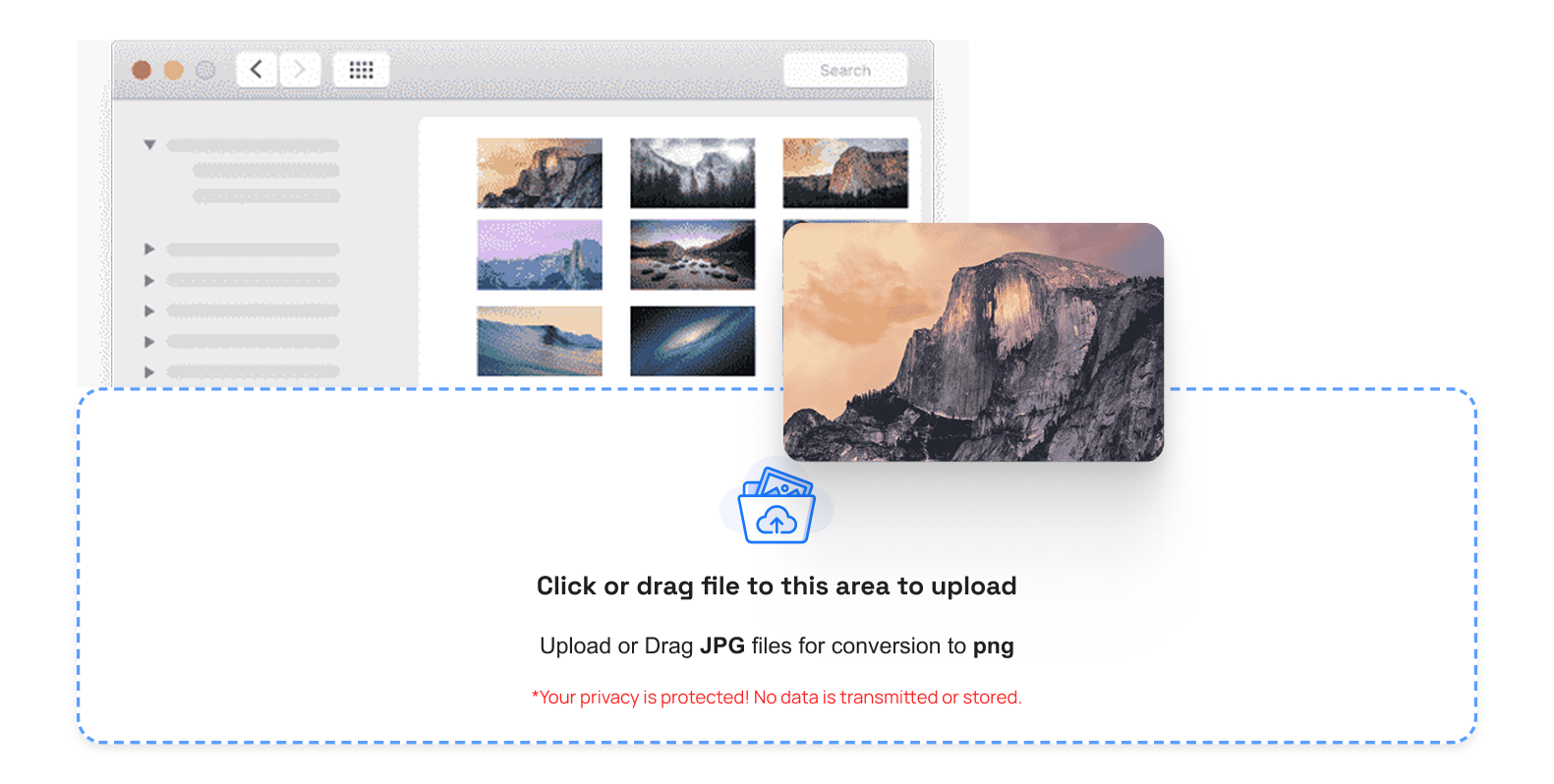
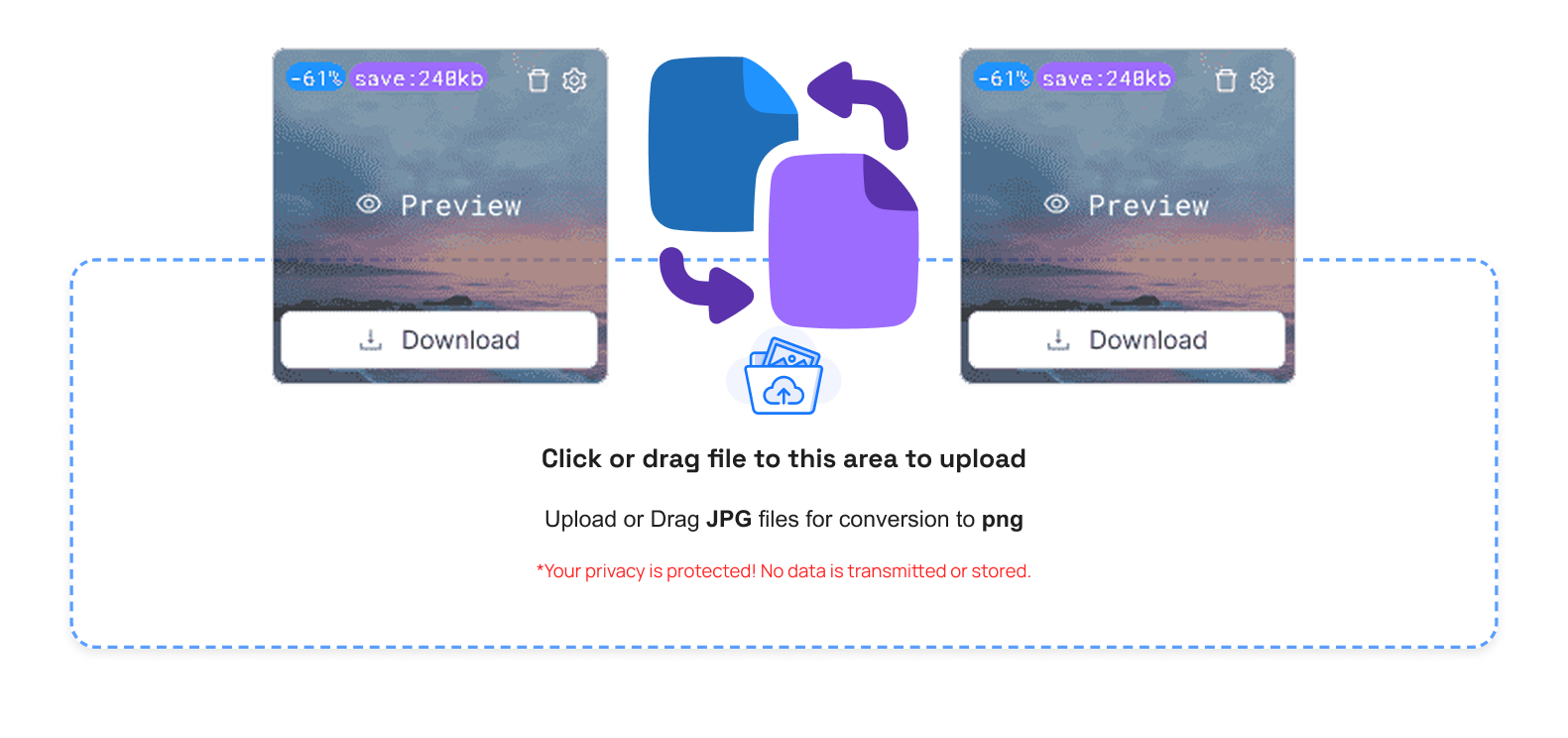
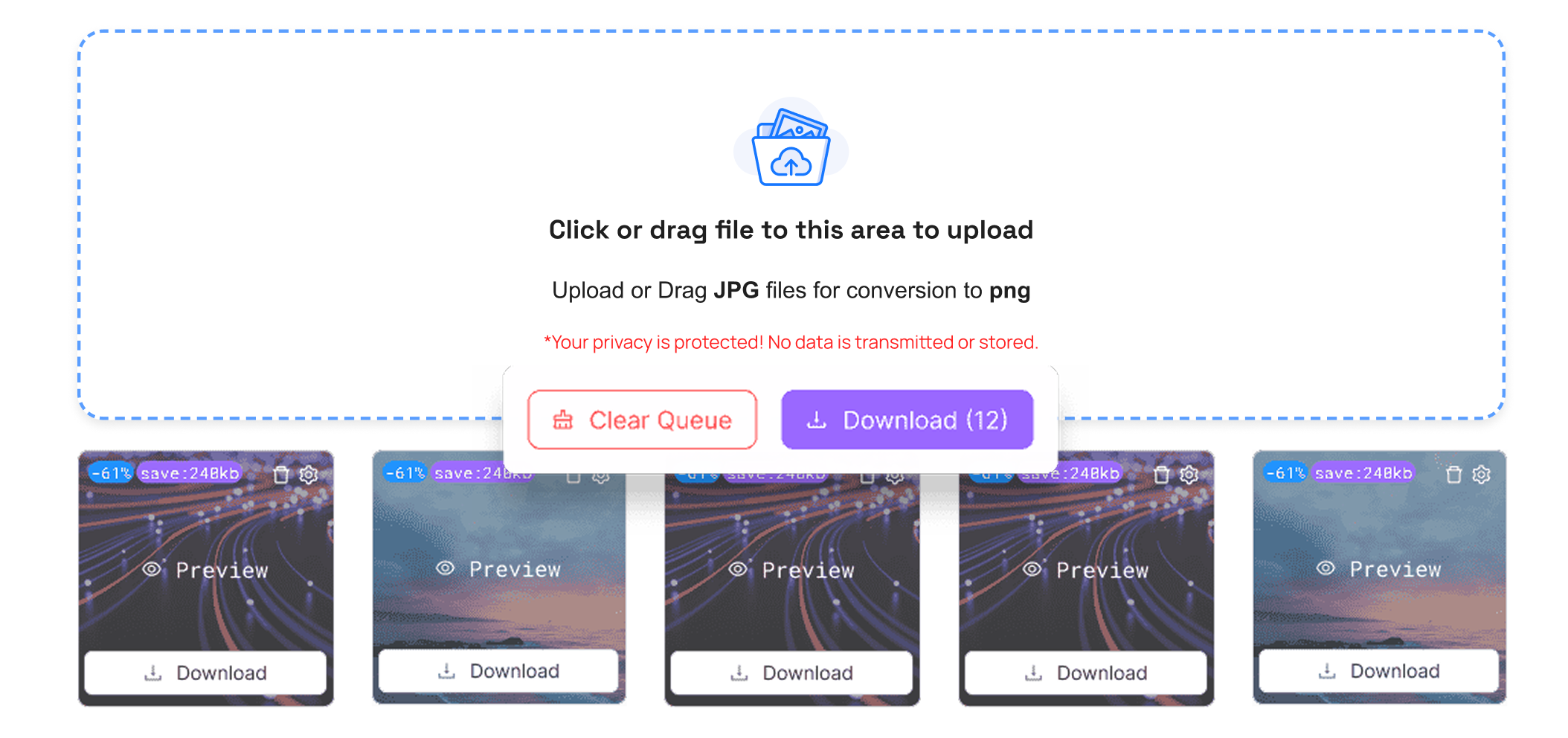
No software installation. No technical setup. It is all built in your browser.
TrimIMG lets you convert your images from SVG to ICO and from GIF to ICO for free and securely.
WebP vs ICO Format Difference
WebP is a new type of compressed image format, which is used on web graphics and for rapid loading. It typically retains one image resolution.
ICO is a specialized icon file format designed specifically for Windows operating systems. It can contain multiple image sizes within a single file. This is suitable for desktop icons and taskbar icons as well as application icons.
Similar to the PNG to ICO comparison, WebP also requires conversion before being used as a Windows icon.



