


BMP to ICO Converter Online tool
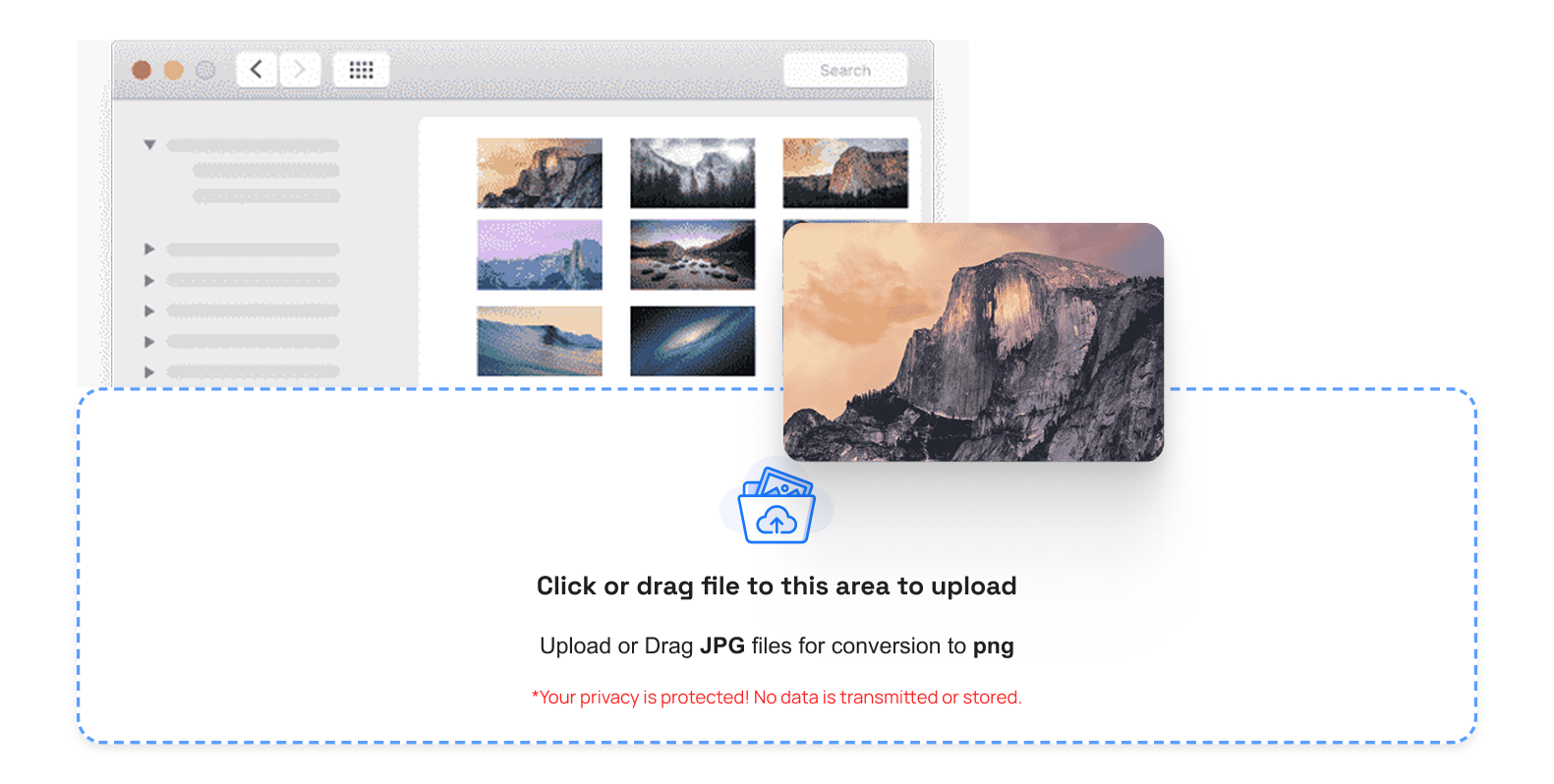
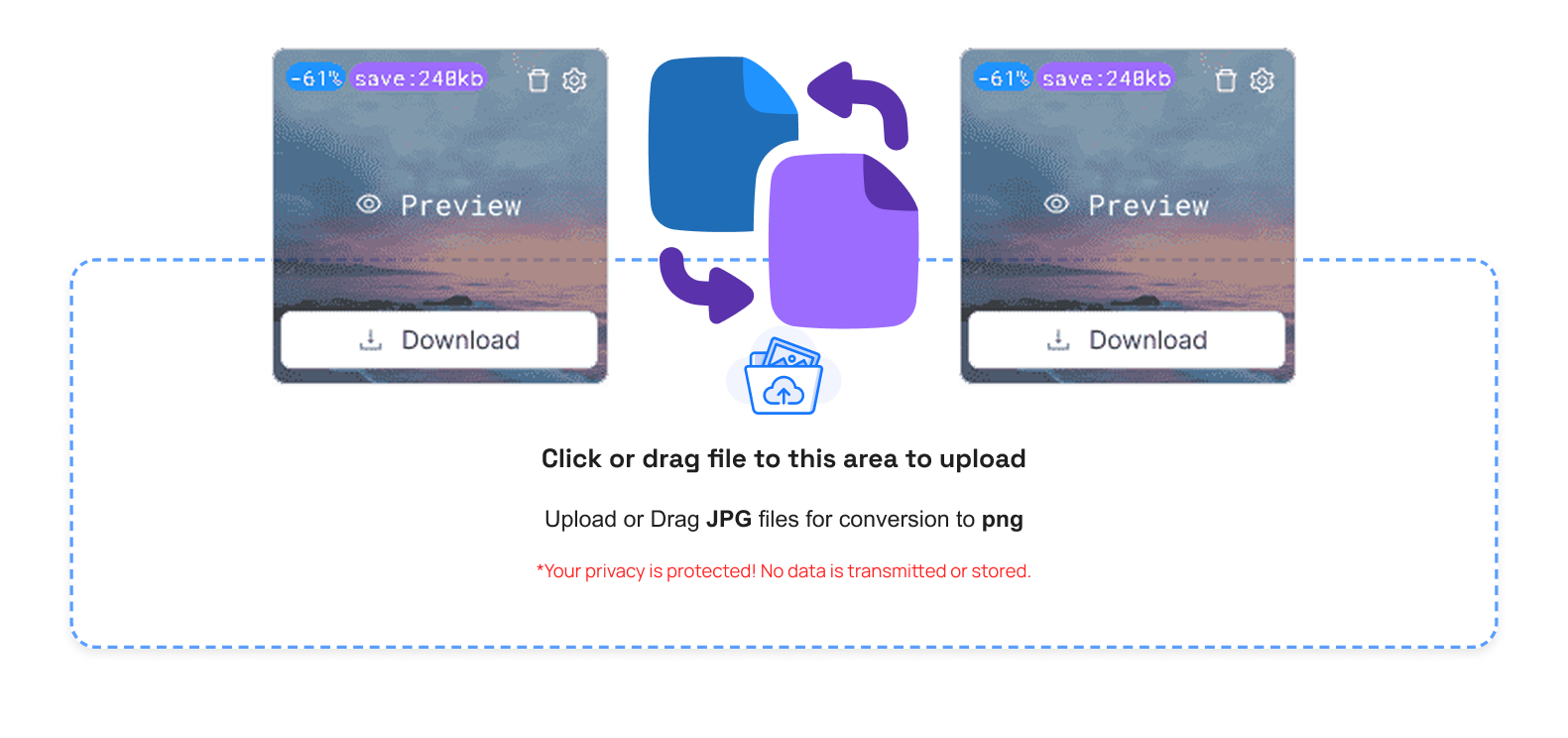
All you have to do is upload your BMP, choose the sizes of your icons, and download a pre-made ICO file. This browser-based BMP to ICO tool converts images instantly and securely.
Although icons are not large, they make a big impact. A well-presented, professional ICO enhances the website's branding, the app's credibility, and user trust. Using a BMP to ICO converter ensures your icons are fully compatible with Windows and browsers.
The tool is ideal among web designers and startups since it is free and online. It also helps convert JPG, SVG, and WEBP to ICO.
What Is a BMP to ICO Converter?
The online converter is a utility that converts BMP images to ICO. The standard Windows type of icon is ICO, and it is used:
- Desktop icons
- Taskbar icons
- Application icons
- Favicons for browsers
This online converter acts as a multi-size ICO generator, producing icons compatible with all devices and browsers.
- 16x16
- 32x32
- 48x48
- 64x64
- 128x128
- 256x256
This guarantees high-quality display support, including Retina and modern displays.
Features of a Professional BMP to ICO Converter
A good-quality BMP to ICO converter is not just a mere file utility. It is a multi-size ICO creator and favicon generator for web and Windows projects.
Multi-Size ICO Generator for BMP Images
Create multi-resolution ICO files automatically. A single file is compatible with any device, screen, and new browsers. Works perfectly with Windows 10 and Windows 11 and browser favicons.
Transparent Background Support.
ICO files can have transparent backgrounds. There are no unwanted white borders. Icons are best displayed on light or dark sites, but they can be used on professional branding websites.
High-Resolution ICO Icon Creator for Retina Displays
Your icons remain clear and crisp at any size. Ideal for desktops, site favicons, and high-resolution monitors.
High-Resolution Icon Maker & Browser-Based Tool
converts photos in your browser. None of the technical setups or software installations is required. It also acts as a favicon generator online, producing clean icons for browser tabs and websites.
Secure File Processing
Every upload is done over HTTPS, and the pictures are automatically deleted after being converted to images. No data and files are lost.
Benefits of Using an Online Converter
Basic and Easy to use: No programs; it is implemented in the browsers.
Lighting Speed: Make files in seconds.
Increased Compatibility: Windows applications, taskbars, and browser favicons are also compatible with it.
Professional Branding: Detailed high-resolution icons and neat images contribute to the trust in your site or app, too.
How to convert a BMP into ICO
- Upload your BMP image.
- Select either the size of icons or the multi-resolution.
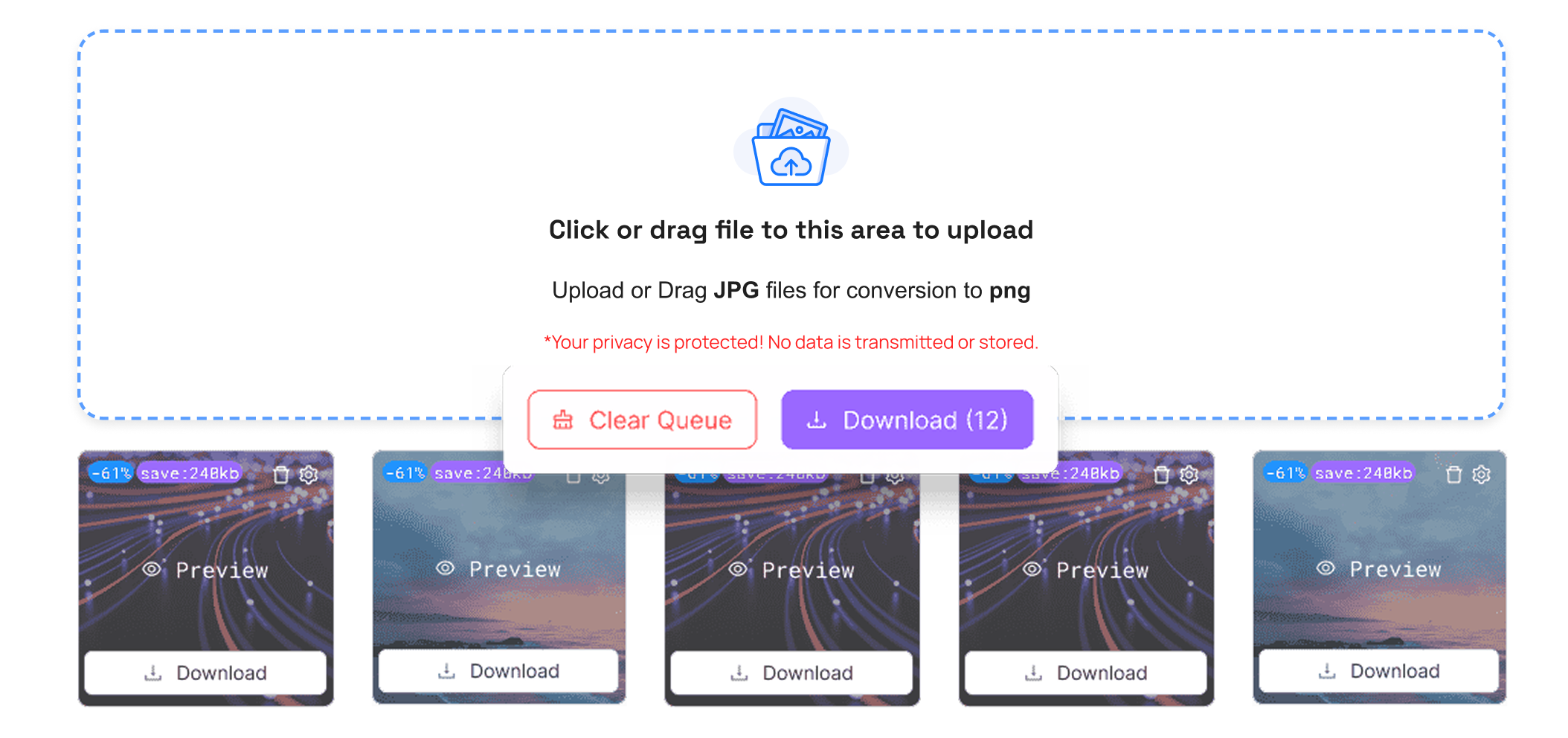
- Download your ICO file.
None of the technical expertise or software. PNG, GIF, or HEIC can be converted to ICO without risk or cost with TrimIMG.
BMP vs ICO: Key Differences
BMP:
- Regular picture format of photos.
- Single resolution only.
- Cannot be used as a Windows icon.
ICO:
- Special Windows icon format.
- Saves several icons in a single file.
- Fits various desktop icons, taskbars and browser favorites.
Similar to PNG to ICO, BMP does not need to be converted to ICO before it can be used in Windows or web projects.



