


Free BMP to GIF Image Converter Online – Fast and Easy
Most people find it hard to cope with large images. The BMP files are big and occupy more storage space. This is the reason why it is essential to convert with the assistance of a good image converter.
Large image sizes are difficult for many people. The BMP files are big and occupy more storage space.
With TrimIMG, you can quickly convert large BMP files into lightweight GIF images and SVG files into GIF without installing any software.
What Is a BMP to GIF Image Converter?
An online BMP to GIF image converter is a tool that can be utilised to transform BMP images into GIF format. BMP stands for bitmap image. It stores image data without conversion. It is of high quality but has a very large file size.
GIF files are smaller. They load faster on websites. They also support basic transparency and simple animations. By converting, you retain the image details that matter and minimise file size.
How Does a BMP to GIF Image Converter Work?
- Use your BMP file and upload it to the converter.
- The tool reads your image data and prepares it for conversion.
- The BMP file is transformed into a smaller GIF file.
- New GIF image may be downloaded to your gadget and utilised at all instances.
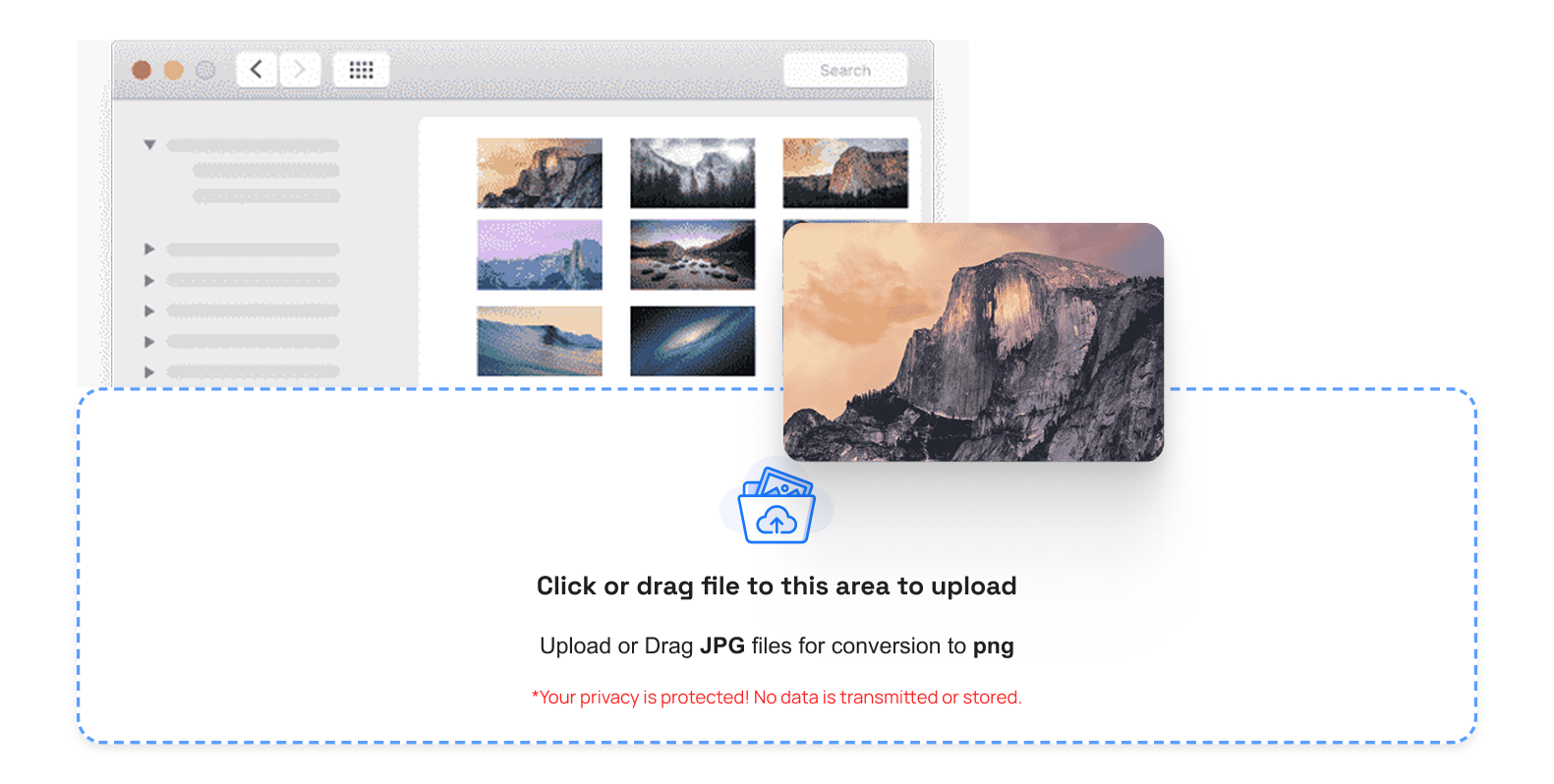
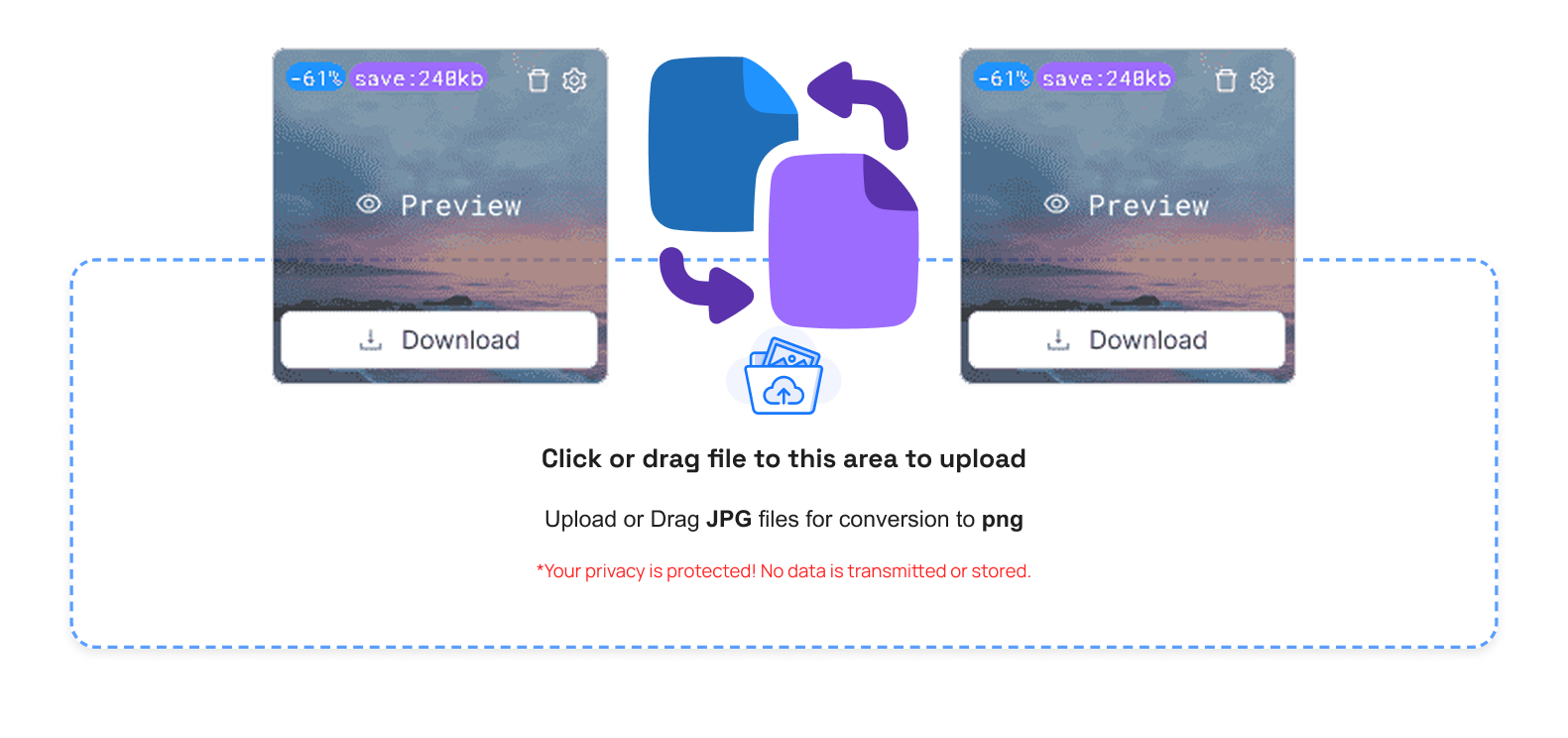
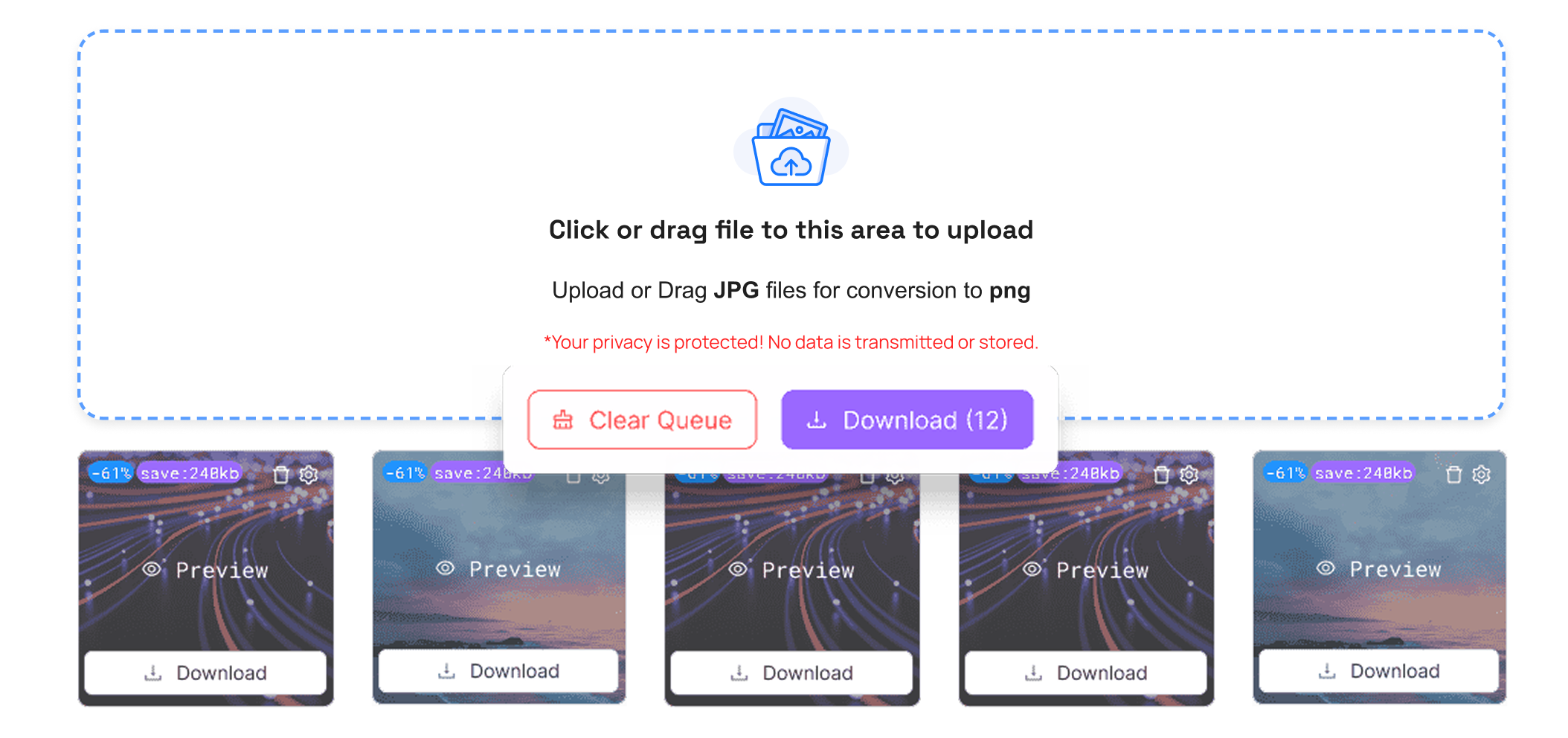
On TrimIMG, it is possible to convert to GIF, ICO, PNG, and JPG in seconds and without any software or setups. It is a secure tool that will not ruin your image and is fast.
Advantages of a Image Converter
One of the enormous gains is the faster pace of the websites. Smaller GIF files load fast. This improves the user experience and helps in ranking the search engines.
The other advantage is increased flexibility. The GIF pictures can be used in virtually all browsers, social media sites, and email services. Formats will not be a problem.
Storage space also improves. When you have a large volume of images, BMP-GIF conversion will save space and/or make it easier to share files.
Who Should Use a BMP Image to GIF Converter?
This tool is useful to you if you have a site. Accelerated pages lead to lower bounce rates and improved search rankings.
It can be used by graphic designers to generate lightweight previews for the clients. Students can convert images in assignments. Owners of the business will be able to optimise the pictures of products in the online shops.
Although you might just want to e-mail a picture, it is easy and fast to convert so that you can share it.
Tips to Get the Best Results
- Check the image size before uploading. Very big pictures might require downsizing. Select a converter to retain picture quality.
- When you want to put pictures on a web page, test the GIF file. Ensure that it loads quickly and appears clean.
- Small changes in image format can improve website performance.
Conclusion
The speed of your web page and the amount of storage space can be enhanced by selecting the appropriate BMP to GIF image converter. BMP files are big and cannot be easily used on the web. The GIF format is more compatible and lighter. This is the reason why conversion is reasonable.
When you need speed because pages load faster, and when you have to share pictures with ease, begin using a secure image converter today. Minor modifications to the image format may create an improved user experience and result in improved SEO.



