


Free SVG To GIF Image Converter Online Fast
You may create a logo or other icon in SVG format and discover afterward that a website or email system cannot use it. That moment can slow you down. Compatibility issues are common in digital publishing.
Digital publishing is prone to compatibility problems. A reliable image converter will allow resolving that issue in a minute. Make your file web-ready to cover all browsers and devices worldwide.
What Is a SVG to GIF Image Converter?
A web-based file-converting utility called image converter can convert a vector graphic into a raster graphic. Scalable Vector Graphics is an acronym of SVG.
This ensures the image is displayed correctly when SVG is not supported. Such users often find a free converter, as they do not want to spend much time downloading large software.
How To Turn SVG images to GIF in Four Easy Steps
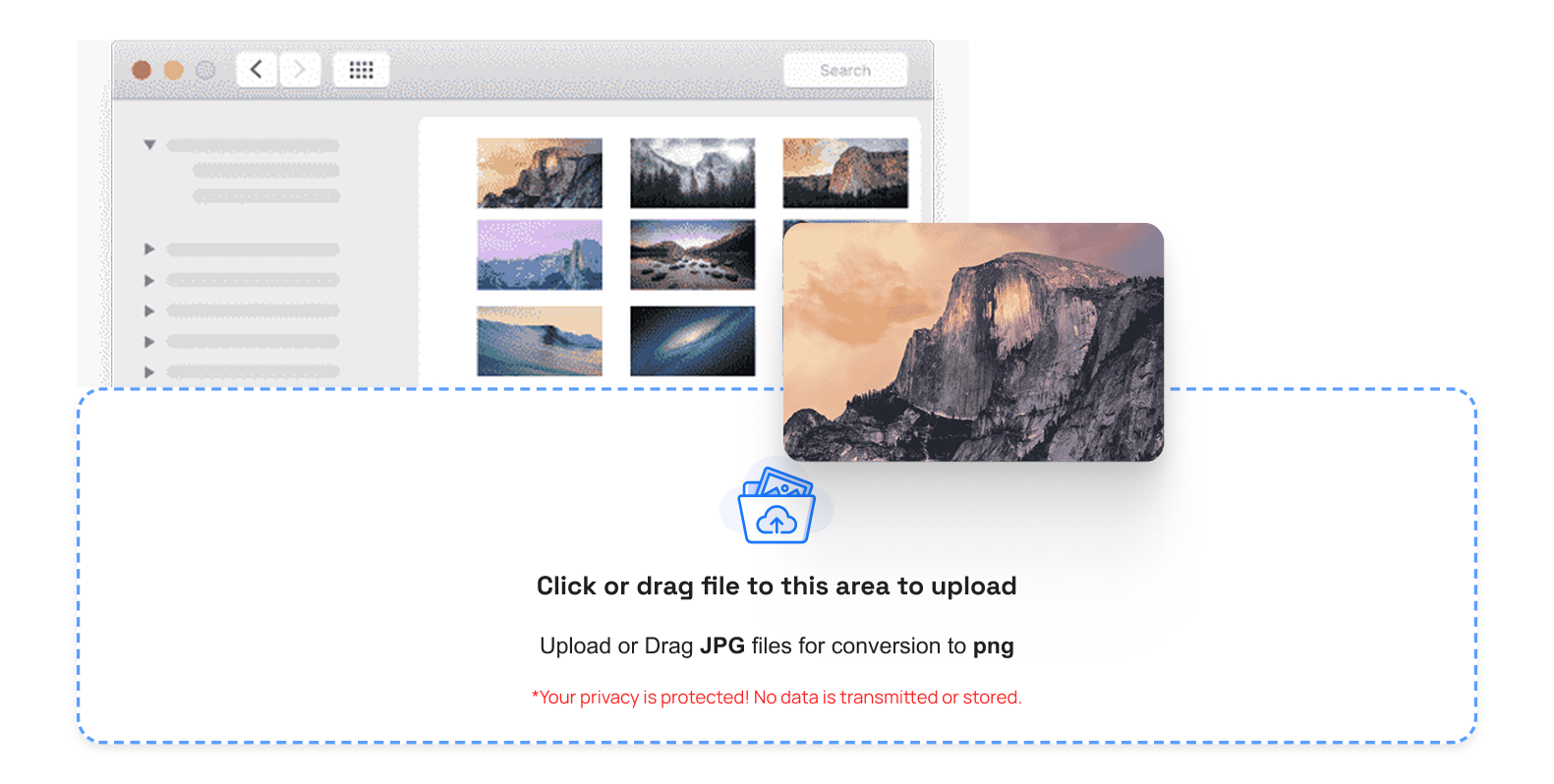
- Step 1: Click and drag your SVG file to the image converter.
- Step 2: Remake resolution, frame rate, or size (when possible).
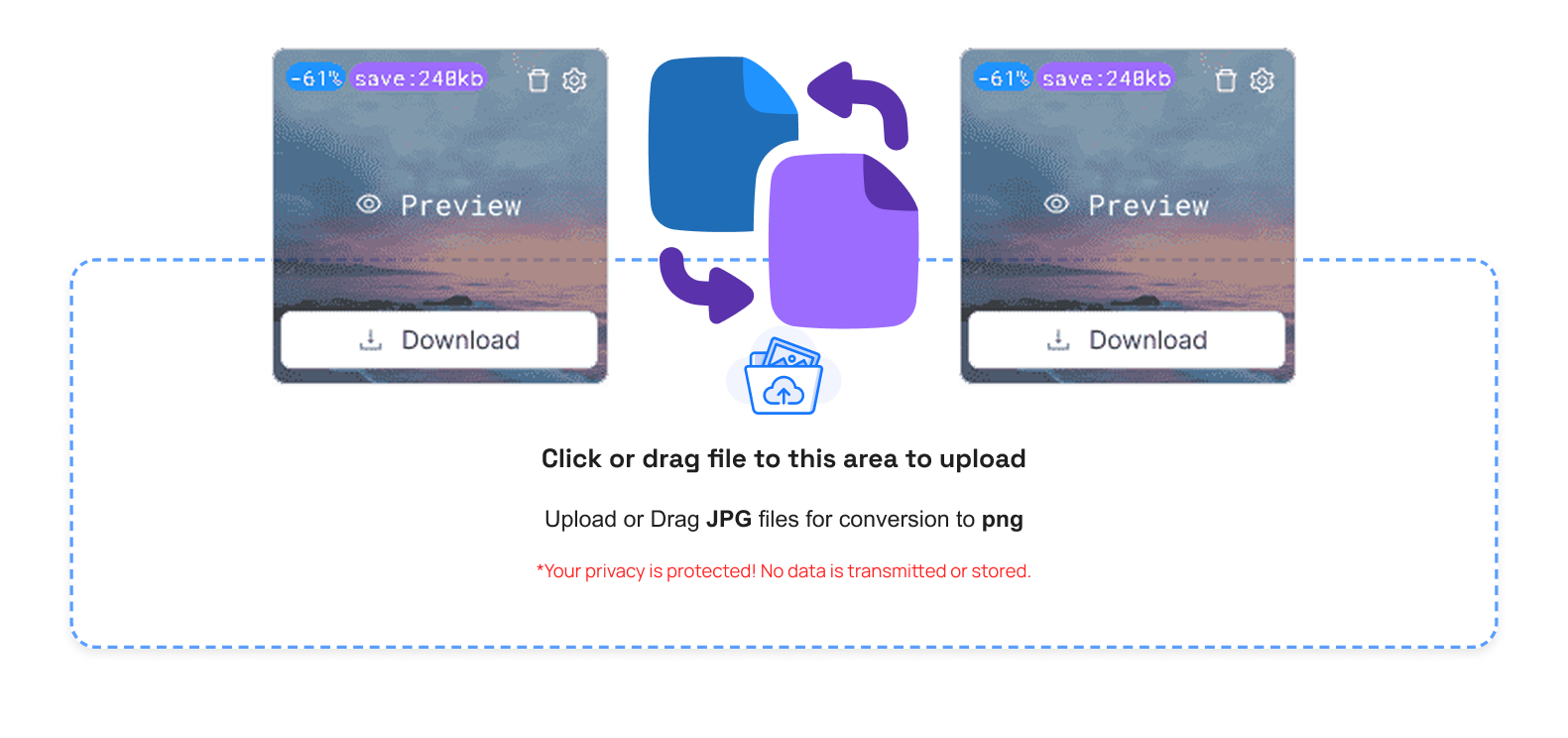
- Step 3: Start converting and sit back, and leave the tool to process the file.
- Step 4: Get your new GIF image and apply it to your website, email, or social media.
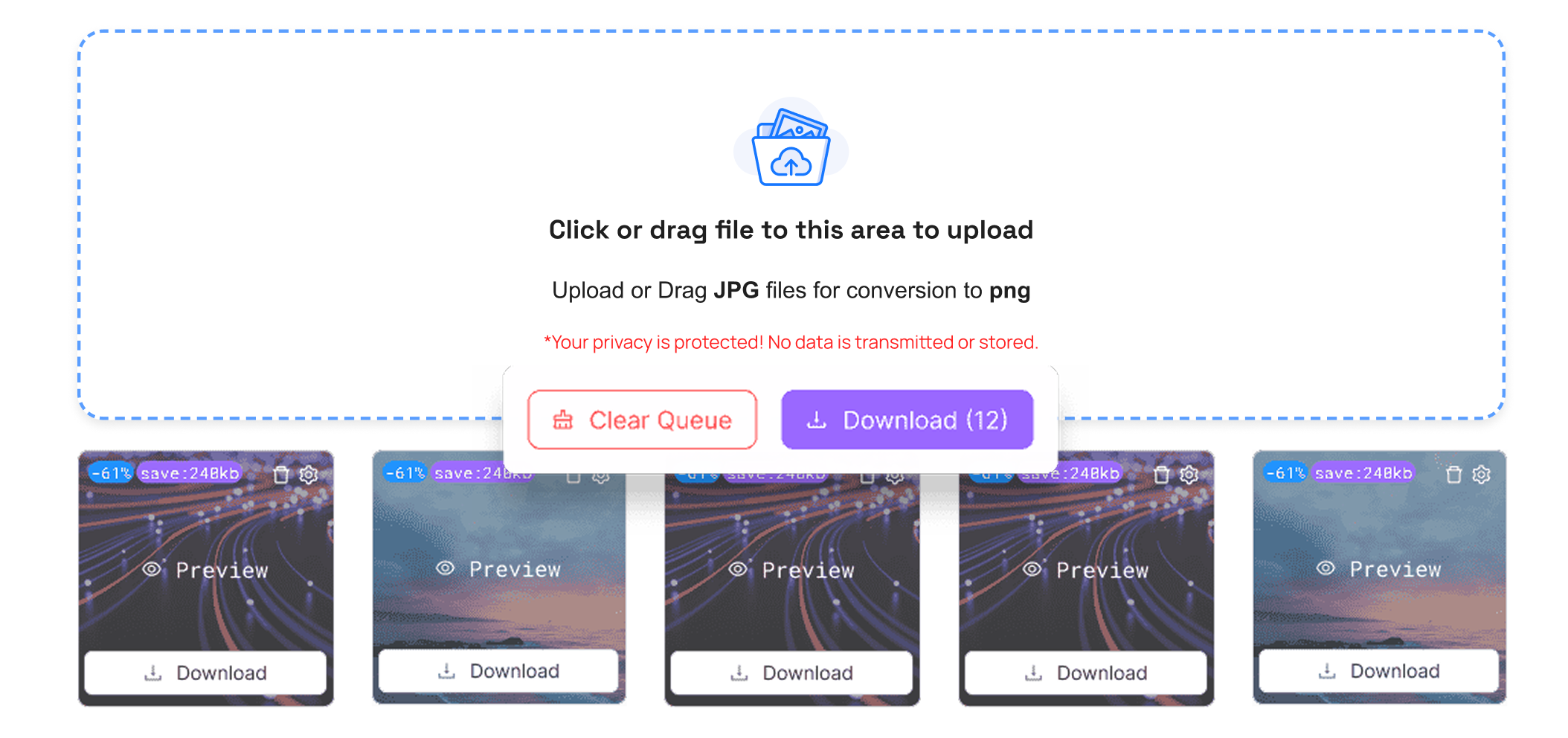
When you work with other formats, TrimIMG also allows you to work with BMP to GIF, ICO to GIF, and PNG to GIF.
Advantages Of Image Converter
- Browsing does not require a software installation.
- Makes pictures internet-enabled and email client compatible.
- Reduces waiting time and is good at handling large volumes of files.
- Helps create social media and messaging app graphics.
- Numerous sites have a free converter with safe file management.
Common Issues In SVG To GIF Conversion
The indistinct output is usually the situation when the export resolution is less than optimal. The clarity can be enhanced by increasing the size of the image prior to conversion.
GIF files may be huge in some occasions due to a lack of colors. You are able to optimize file size by reducing the color depth or streamlining animation frames.
It is not always seen in the final GIF, with the use of animation effects. This is, instead of the fact that not all SVG animations can be converted using image converters that turn.
The TrimIMG can also easily convert between formats: it can convert WEBP to GIF, or even JPG to GIF.



