


ICO to GIF Image Converter Fast, Free, and Online
ICO files are primarily used for icons and favicons on applications or websites. GIFs can be shared and used on various platforms.
To save a significant amount of time, you can use an ICO to GIF image converter in order to have your ICO files in the form of websites, emails, or social media. It compresses files, makes them easy to load, and makes them universal in their use. It neither needs any software nor the use of complex tools.
Using TrimIMG, you can convert your ICO files to GIF in a matter of seconds, absolutely free. It is quick, maintains picture quality, and can be used with almost all devices. It is now possible to add data to your icons and cross-platform with ease.
What Is an ICO File and Why You Might Need It?
ICO files consist of small graphics that were to be used as software, site, and application icons. They store different sizes of the same icon using a single file. Such files are compatible with Windows, and they cannot be flexible very well online.
GIFs are smaller and can be used in emails, web pages, and presentations. They are also in favor of transparency and small animations. Conversion will make the files more compatible and enable sharing around the world.
Benefits of Using an ICO Image to GIF Converter
There are numerous benefits of using a converter.
- It is quick and does not require installation. You can convert your ICO file and download the GIF within a second.
- It maintains image quality. The converter maintains color clarity and transparency.
- It enables you to exchange icons across websites and social media without any problems.
The TrimIMG also allows batch conversions to be used in case you want to convert several files at a time.
If you have already converted PNG, JPG, WEBP, or SVG to GIF, including ICO files makes your processing workflow simpler.
How to Convert ICO to GIF Online
- Online open TrimIMG converter.
- Add the file for your ICO.
- Select the format and wait a few seconds.
- Save your GIF file for use.
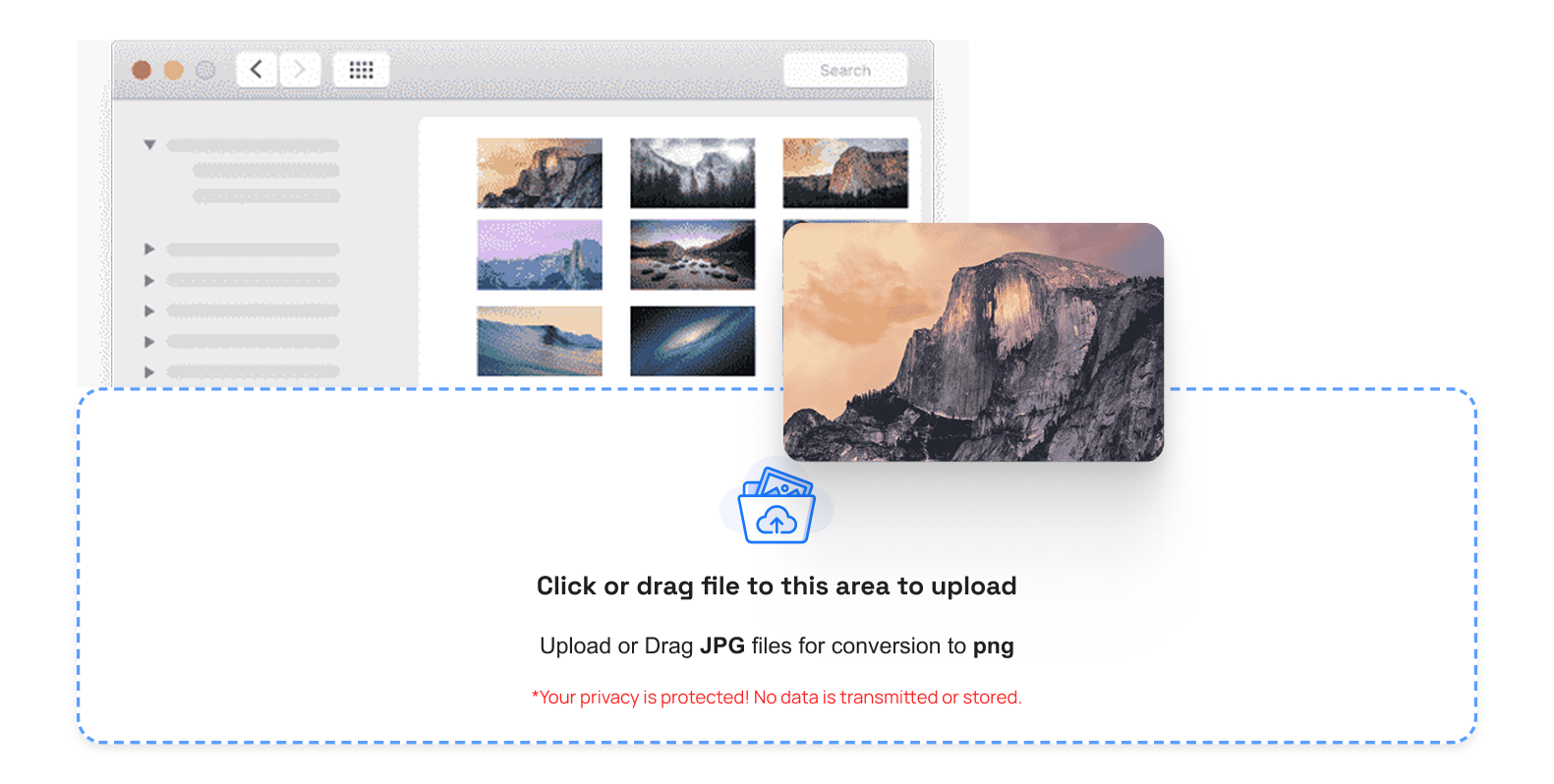
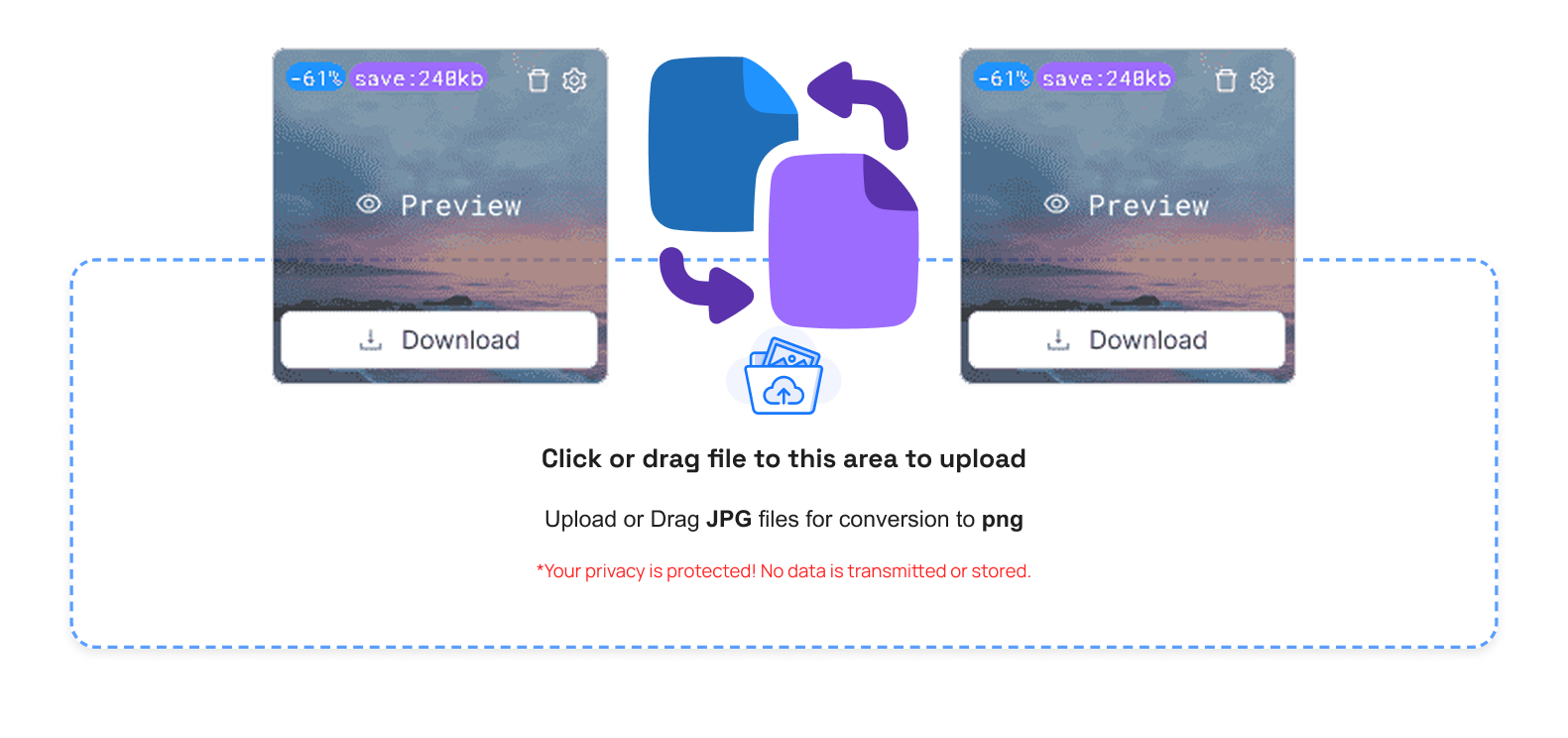
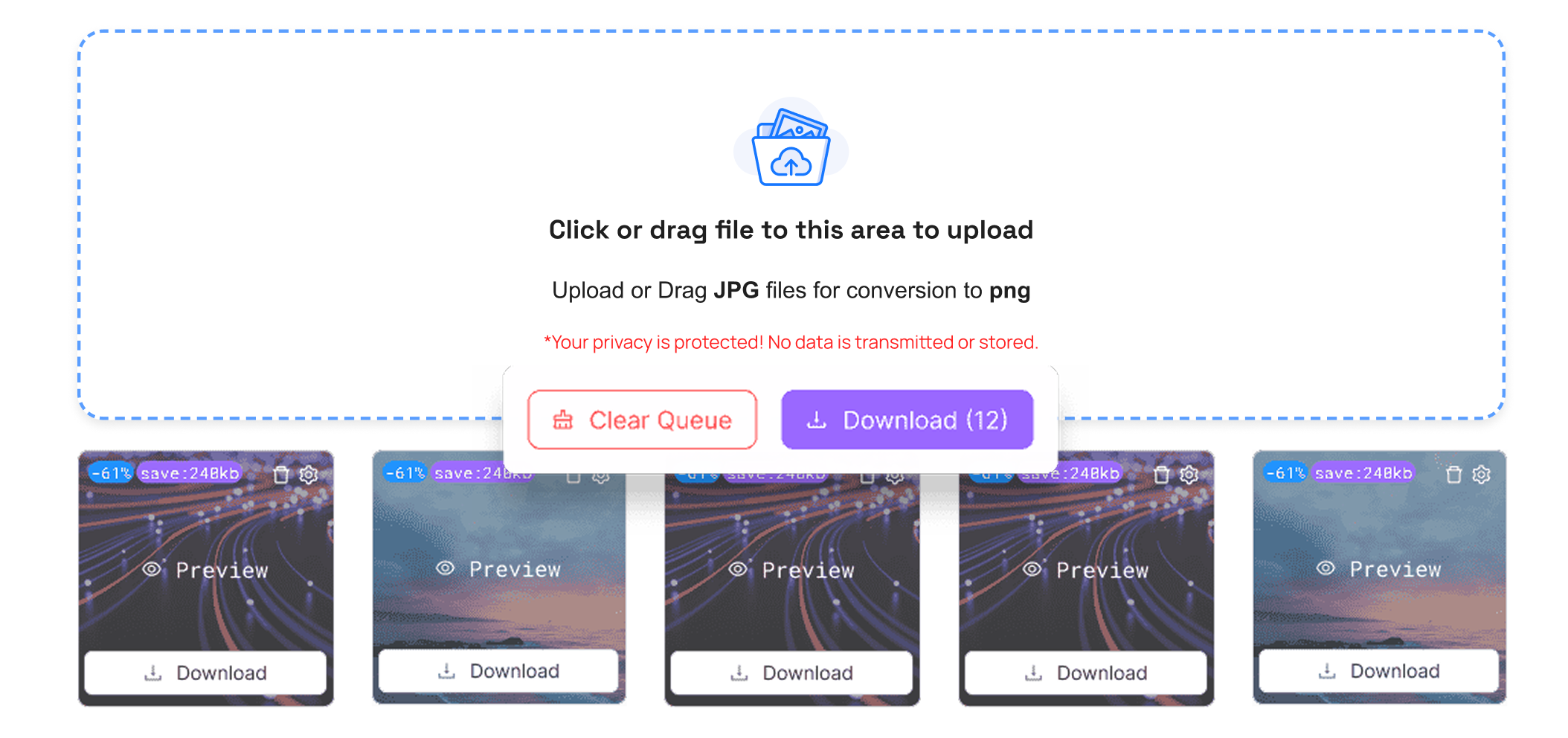
This makes it the best choice for anyone looking to convert ICO, JPEG to GIF, or BMP to GIF online.
Tips for the Best Conversion
- Always make use of good-quality ICO files in order to perform better.
- Have transparency settings right with clean icons.
- Do not over-resize and blur.
- Insert GIFs in websites or emails to load more quickly.
- These tips will help you get smooth, clear GIFs without loss of quality.
Conclusion
Turning an ICO to GIF has become very quick and easy, and everyone can perform it. As a designer, website owner, or social media manager, you will spend less time with a tool that you can trust, such as TrimIMG, and your icons will be everywhere. The process maintains images transparent, safe, and usable for sharing around the world.
Test TrimIMG now and convert ICO files to GIFs online, totally free of charge. Make your icons slim, convenient, and platform-ready. Wait no longer; begin moving and simplify your workflow.



