


Best PNG To GIF Image Converter Online Free Tool
The issue with the majority of users is that they cannot find an online converter that can preserve the quality of the picture, but at the same time works on both the desktop and the mobile platform.
You should have web-optimised GIFs, whether you are a blogger or a poster on social media. The appropriate converter is a sort of software that can accept good quality animated PNGs into small size animated GIFs, and uploading them can be performed with drag and drop upload without any elaborate programs.
What Is A PNG Image To GIF Converter And Why It Matters
The image converter is an online tool for converting image formats. It transforms the PNG files into GIF files. PNG images are of fine quality, and they support transparent backgrounds. GIFs are not only compressed, but can also be animated.
In converting, the tool compresses colours and converts the file into a web-friendly one. This helps your pictures to load faster. Faster loading improves user experience and website performance.
If you want to convert WEBP to GIF and ICO to GIF, you can easily convert them with TrimIMG.
Key Features And Benefits Of Image Converter
A free online PNG to GIF converter does more than basic conversion. It enhances performance, keeps quality high, and is mobile-friendly.
Secure and browser-based tool.
This online image converter works in your browser. Keeps images secure and deletes files automatically.
Supporting Transparent Background.
Numerous users require a clear GIF background of icons and logos. An effective picture converter does not ruin the transparency.
Step by Step Guide To Convert Online
- First, upload your PNG image. Ensure that the image is not blurred.
- Then tweak simple settings (where possible). Some tools permit adjustment of frame delay or animation.
- Then start conversion. Your GIF file is created in a matter of seconds. Use it on your email campaign or social platform on your site.
- It is really a quick and simple process.
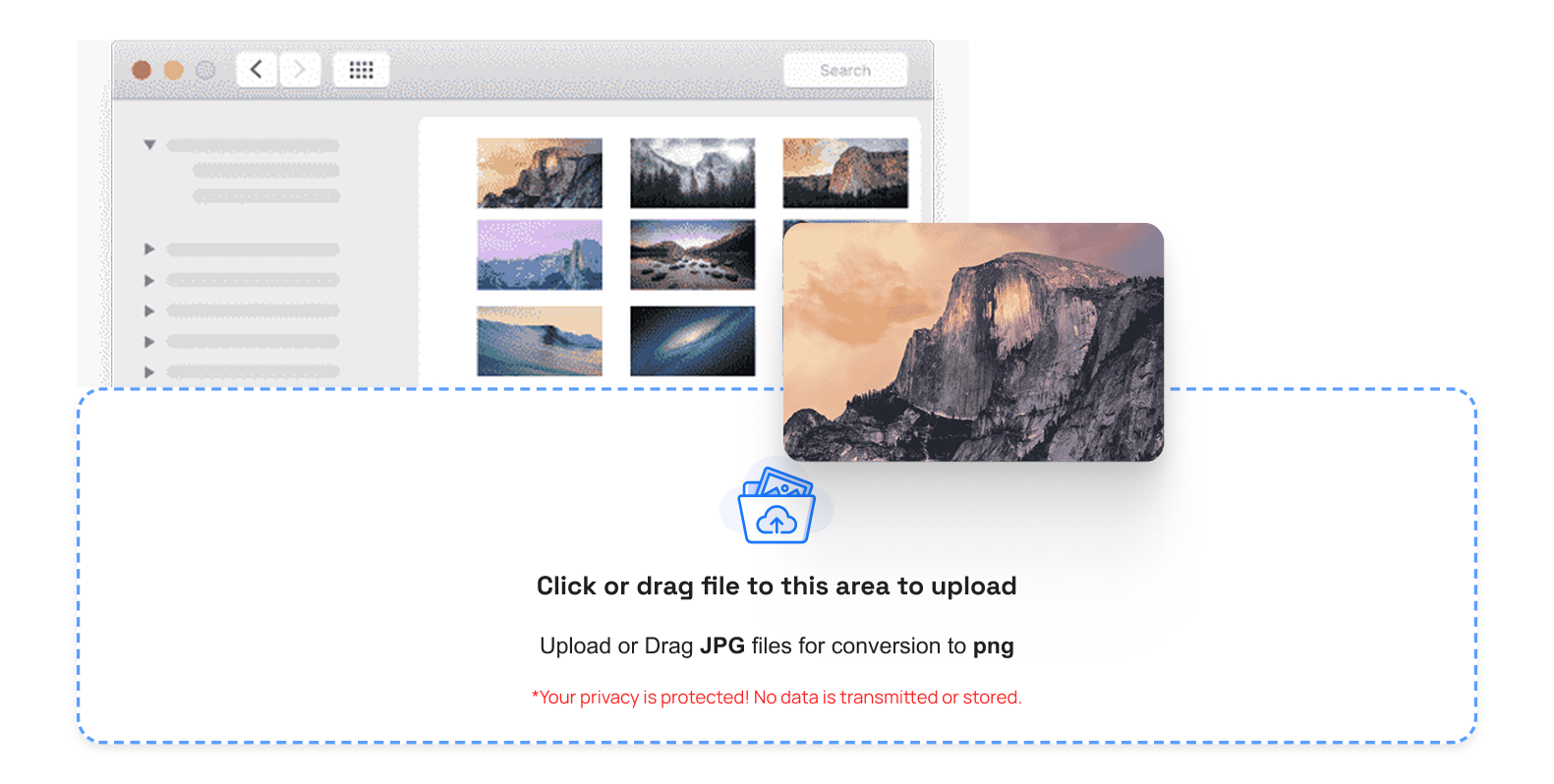
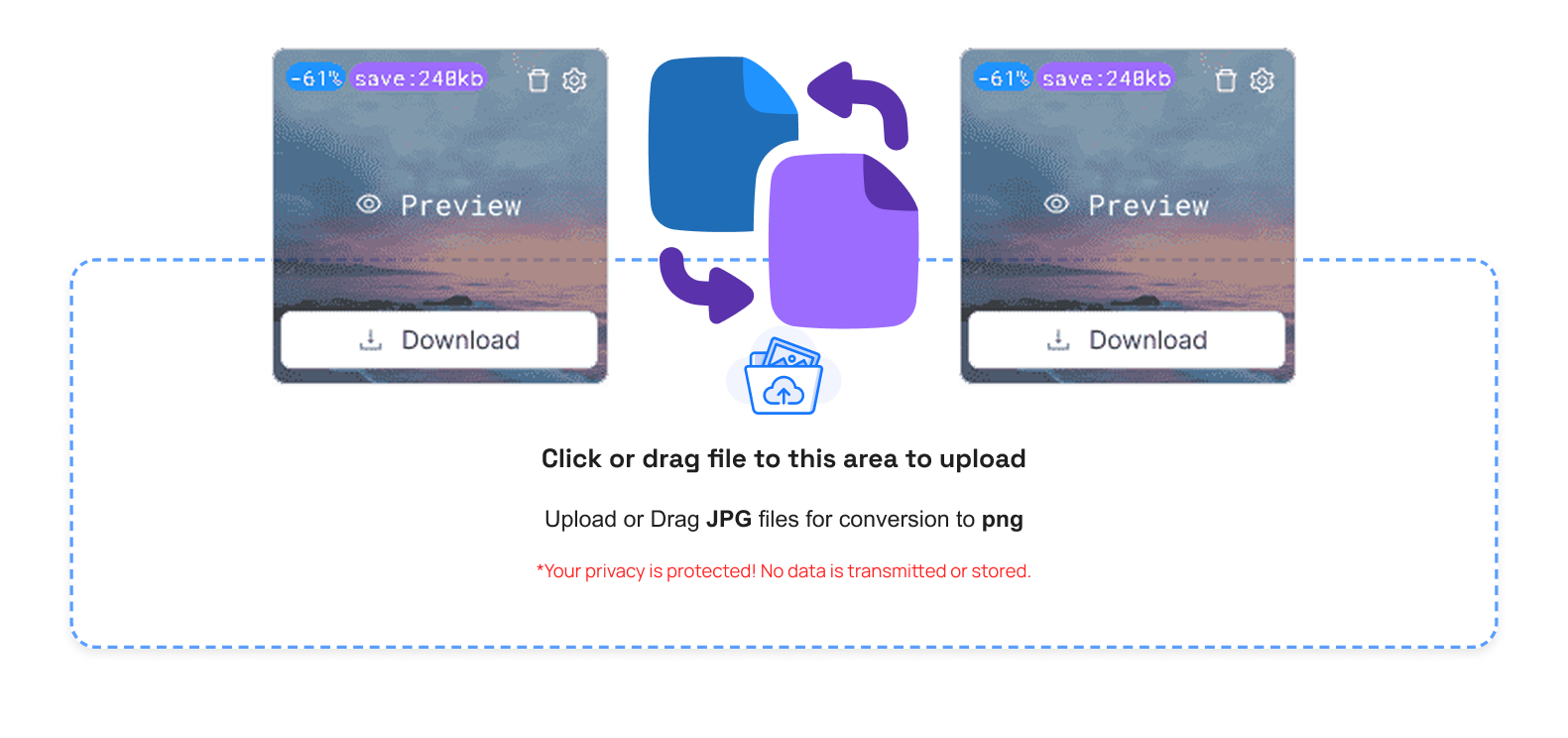
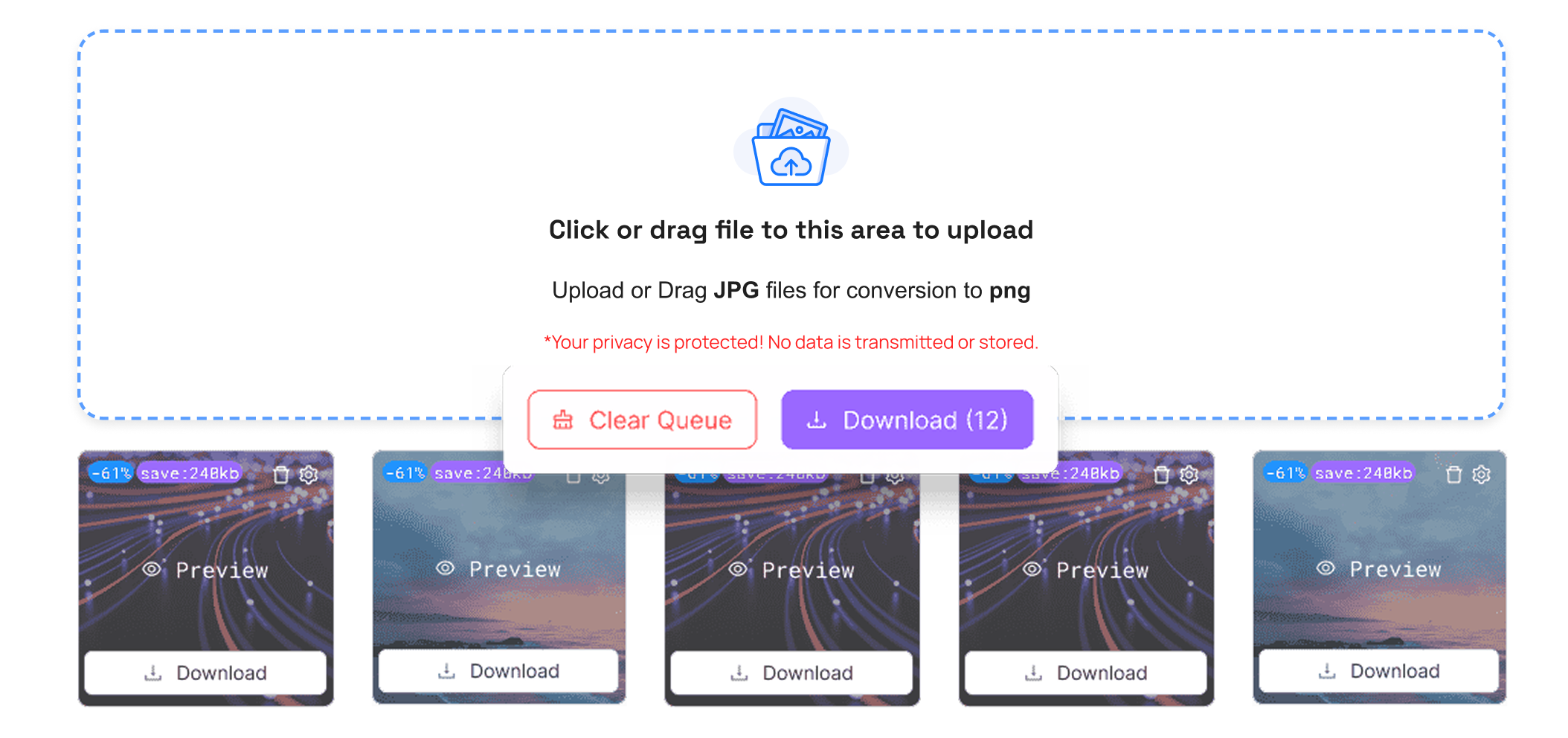
TrimIMG helps you convert your JPG, SVG, and BMP images into GIFs. It is quickly and securely processed, and no need to register.



