


HEIC to GIF Image Converter Online Free
You snap the perfect picture with your iPhone. It looks sharp and clear. Then you attempt to post it to a site, and it does not work. The file format is not compatible. Frustrating, right?
That is why a mere online solution will help. GIF conversion of HEIC takes seconds with TrimIMG. No downloads. No confusion. Simple global image conversion works.
What Is A HEIC to GIF Image Converter
Image format converter is a web-based tool. It converts Apple HEIC files into web-friendly GIF pictures.
The HEIC format preserves storage space and maintains quality. Nevertheless, there are still many platforms that have difficulty opening it. HEIC uploads are commonly denied by Windows PCs, older browsers, and certain web tools.
That is solved by the GIF format. It is accessible, portable, and shareable. After turning an HEIC into a GIF, the picture can be viewed online, in email inboxes, and on social media.
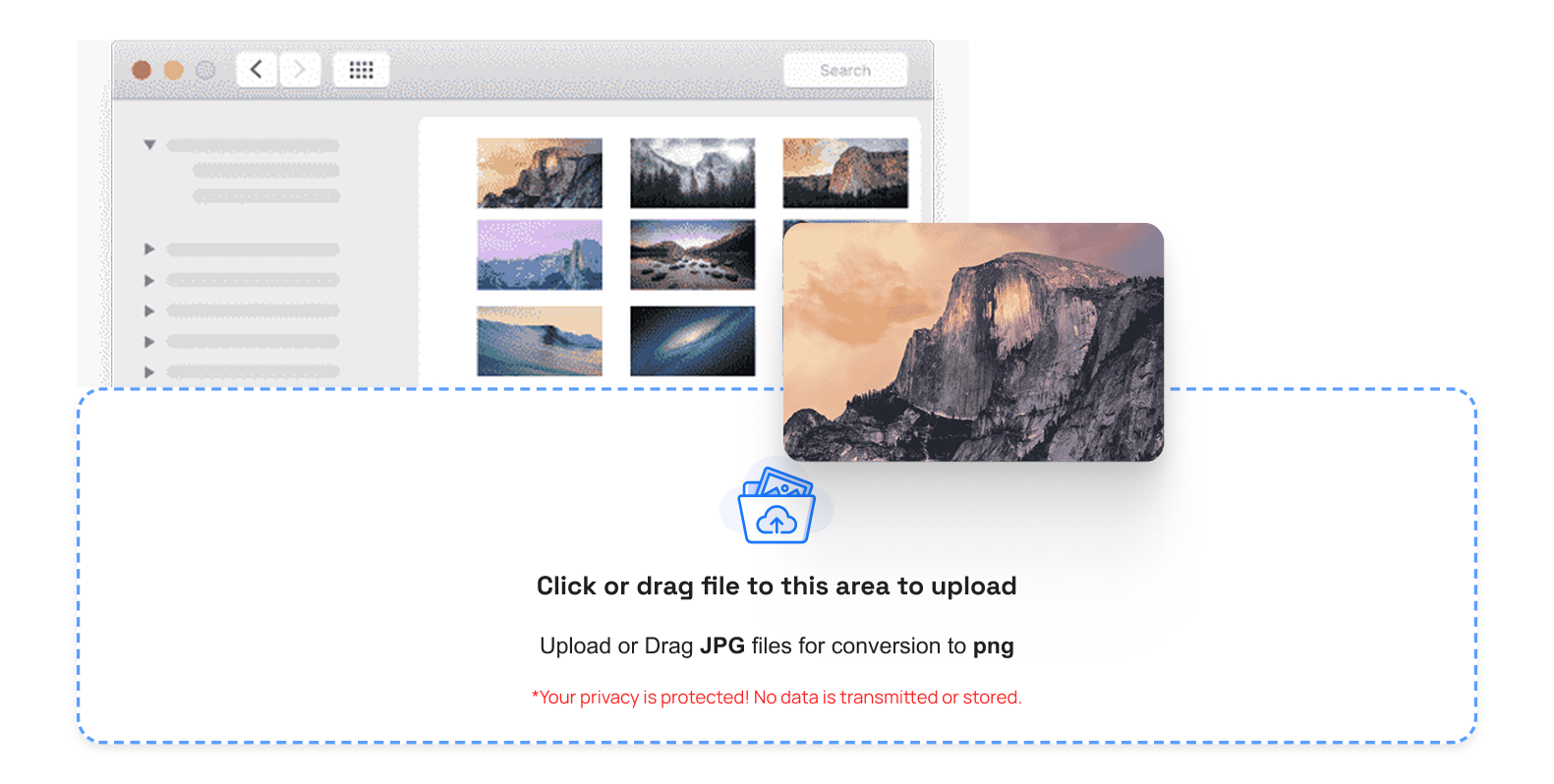
Top Features Of A HEIC to GIF Image Converter
Fast and Smooth Processing
Time is important. An effective tool works out your picture in seconds. TrimIMG is speed-oriented, and you do not have to wait.
Clear And High Quality Output
The image's clarity must remain. The image converter tool is a reliable converter that ensures your images are clear and precise after conversion.
Secure And Private Upload System
Privacy is not optional. The files are accessed via secure servers and auto-deleted. Your data stays protected.
How To Use HEIC Image To GIF Converter Online
- Select and upload your HEIC image first.
- And then begin to convert; wait a second.
- Lastly, save your new GIF file.
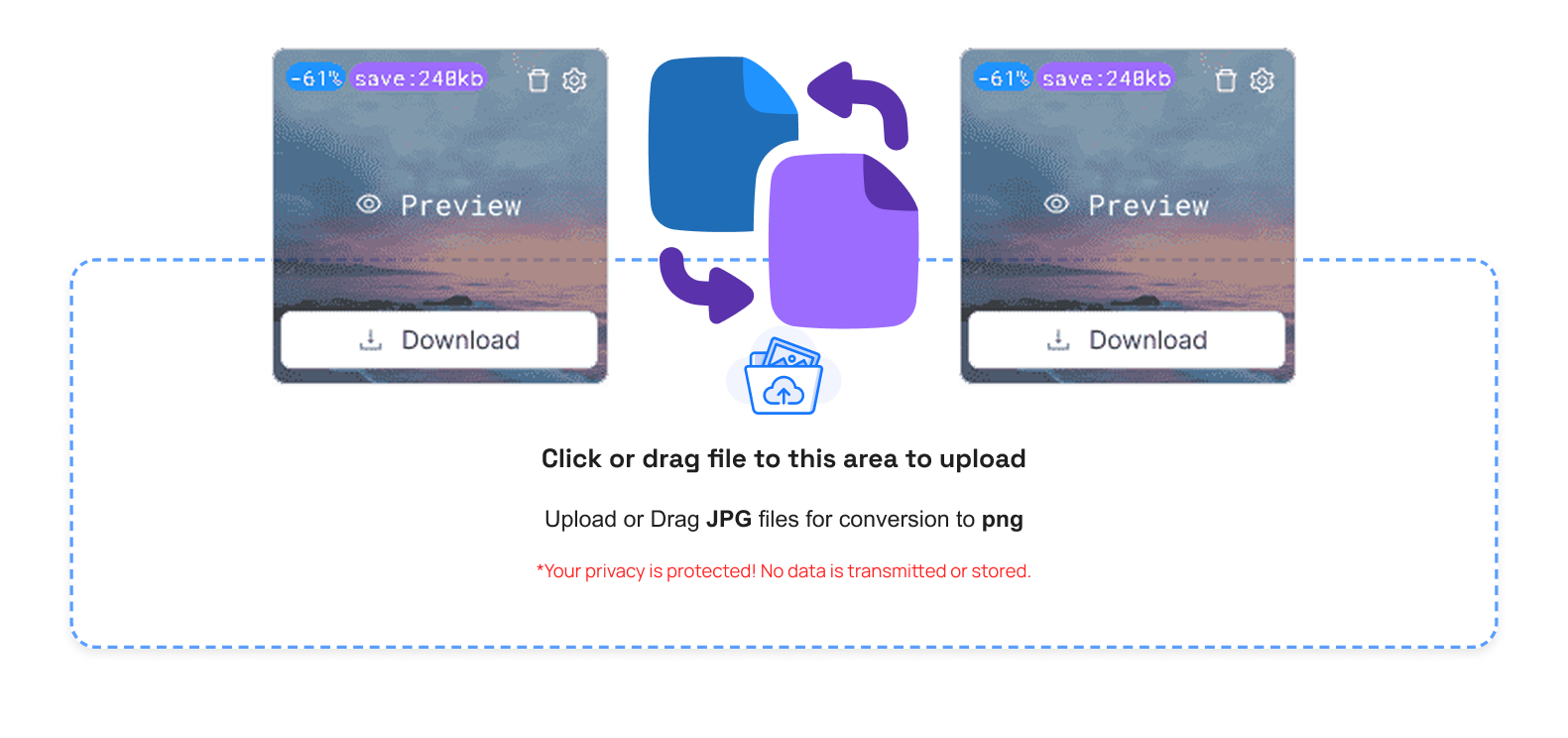
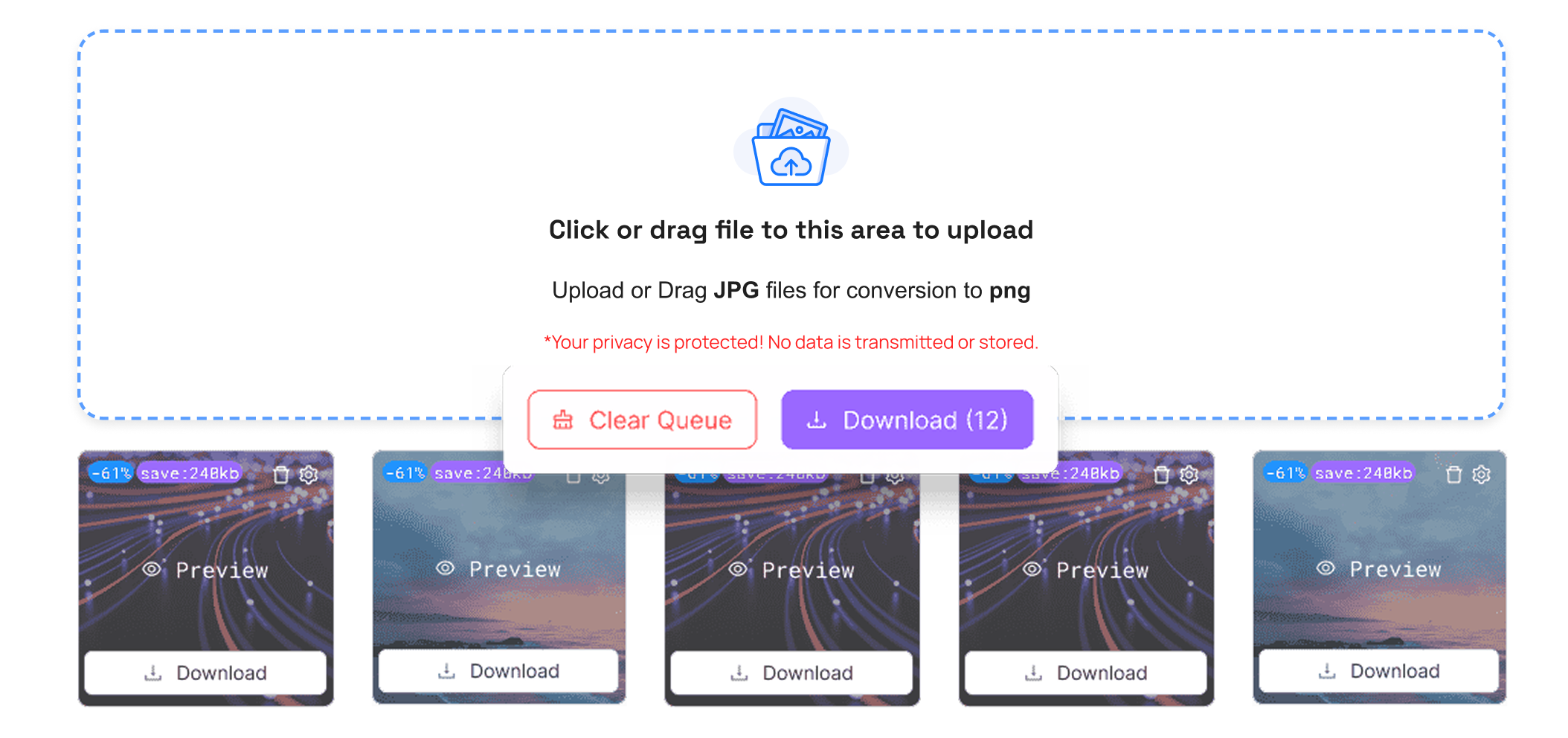
That is all. No registration. No complicated setup. An image converter is a web-based image converter.
In case you will also require other formats, you can use PNG to GIF or JPG to GIF on TrimIMG.
Common Problems Solved By Image Converter
Many users cannot access HEIC files on Windows. Certain websites do not accept HEIC uploads. Attachments made using emails occasionally fail.
These problems are gone when you convert. One can share and publish the file in any location. It is like opening a closed door.
Security And Privacy in HEIC Image to GIF Image Converter
Online tools must be safe. An image converter with a high degree of reliability will convert to GIF using encrypted connections when uploading and downloading.
Processing files causes their deletion. Nobody can view what you have made. Such peace of mind is critical for personal or business images.
To convert modern formats, WEBP to GIF and SVG to GIF are also possible on TrimIMG.
Conclusion
The HEIC format is great for saving storage space in Apple devices. However, incompatibility issues may slacken you. It is where a HEIC to GIF image converter would be necessary. It converts your photos into a format that works almost anywhere.
TrimIMG simplifies the process of making it fast and safe. No technical skills or software installation are needed. Quickly just upload, convert, and download. When you desire to be stress-free when it comes to file compatibility and easy sharing, then you need to start using TrimIMG today and prepare your images to suit all platforms.



