


The Best WEBP to GIF Converter Online for Free
Images that take a long time to load may irritate visitors and decrease the interaction. People are accustomed to pages displayed immediately. The appropriate image format may increase the speed of the websites and user experience. With a reliable browser-based converter, website performance optimisation, and images become simple and secure.
If you need to convert your BMP images to GIF or SVG, use TrimIMG to make it easy, free, and with no registration required.
Why Convert WEBP to GIF
Changing the WEBP format to GIF does not change your image content; it simply changes the format. WEBP can be used to work with high-quality pictures; GIF works better for simple graphics, icons, and transparent background images.
The popularity of GIFs is due to the fact that they are transparent and tend to be smaller in size. This renders your site more rapid, user-friendly, and cross-platform. In case you want to achieve faster loading pages and content to be shared, it is a clever decision to convert WEBP images into GIFs.
Advantages of Converter
Quick Page Loading
The GIF files tend to be smaller than WEBP images. Smaller file sizes are loaded faster, which improves page speed optimisation of the site and retains the visitor.
Broad Accessibility
GIFs can be used on web pages, in email, in text messaging applications, and in forums. They are viewable without specific software or a plug-in.
Free and Easy
The free online tool works in the majority of cases. You post your picture, transform it, and get the GIF within a few seconds.
Social Media
GIFs are ideal for sharing on social media that require transparency or basic animation.
Features to Look For in a WEBP to GIF Converter
Converters do not give the same results. Look out for the following:
Clear Output: Your GIF has to be clear and sharp.
Security: Auto-delete files that you have converted to maintain your data.
Speed: The tool should be quick-turning and easily manoeuvrable.
Customisation: Adjust the size or quality to suit yourself on a site or on social media.
Step-by-Step Guide to Convert
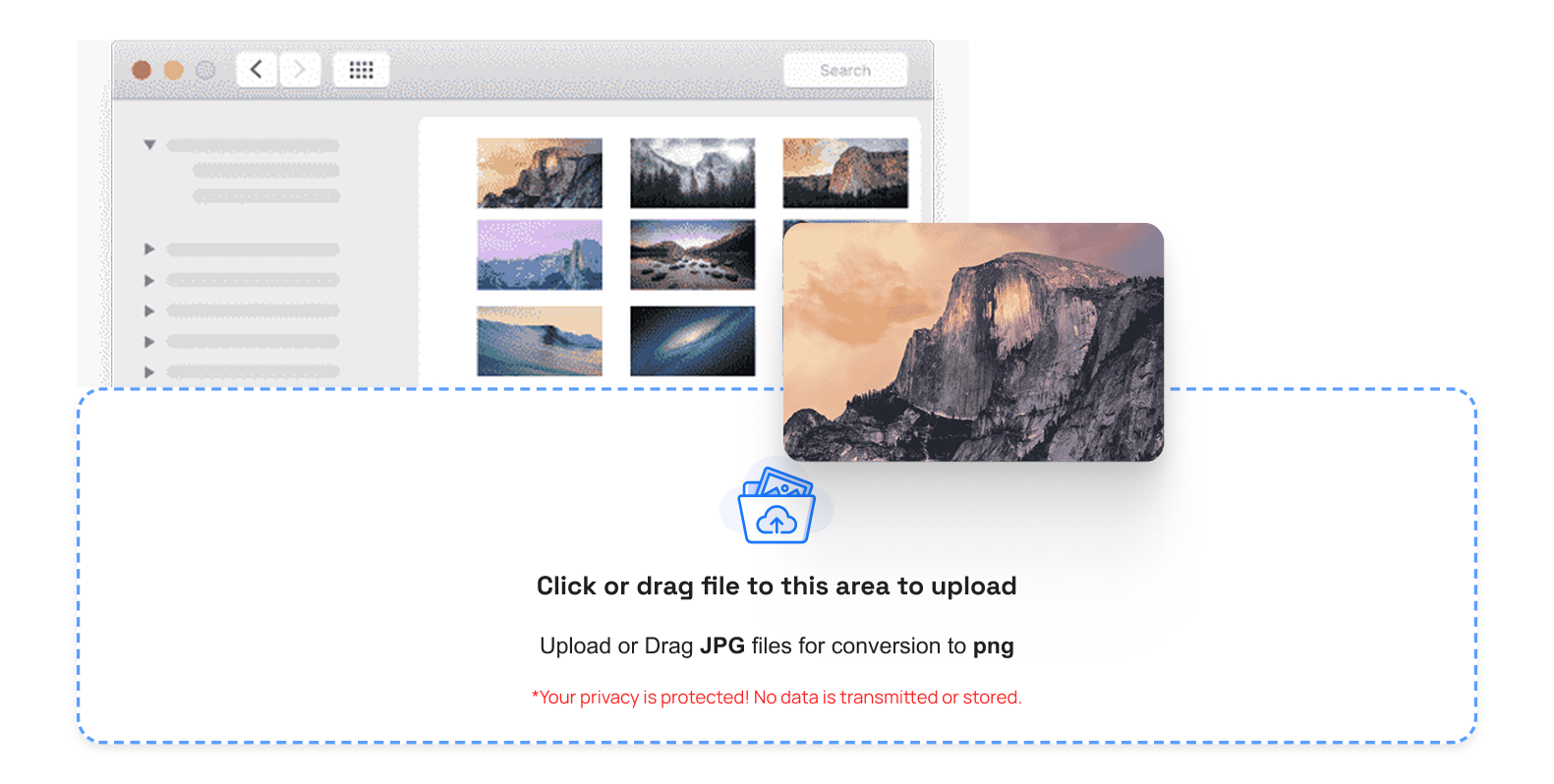
- Step 1: Select your WEBP photograph either on your computer or simply drag and drop the photograph and upload it to the online image converter.
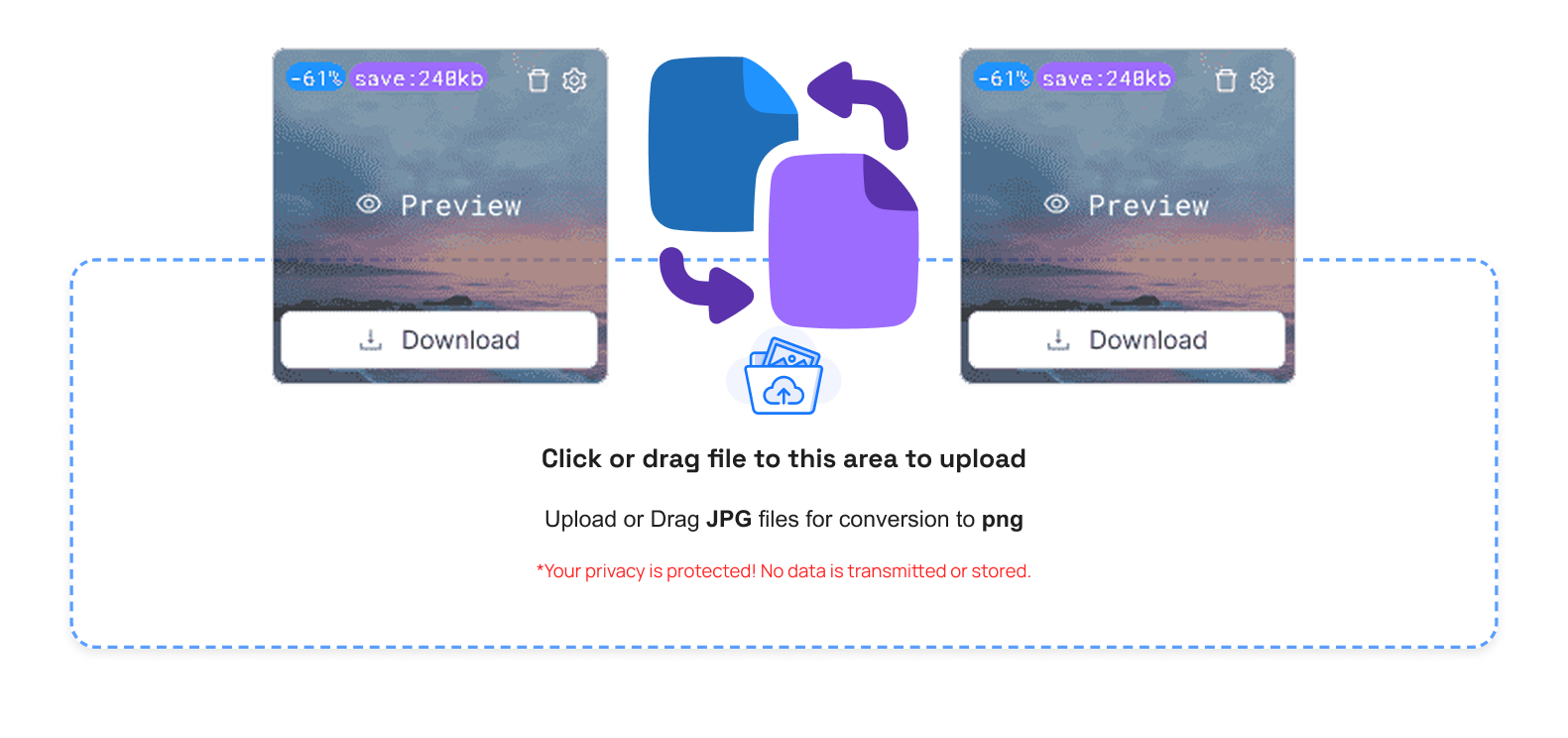
- Step 2: The output should be a GIF. Change the size or quality of the image when necessary.
- Step 3: Start changing the process. Your GIF is ready in a couple of seconds.
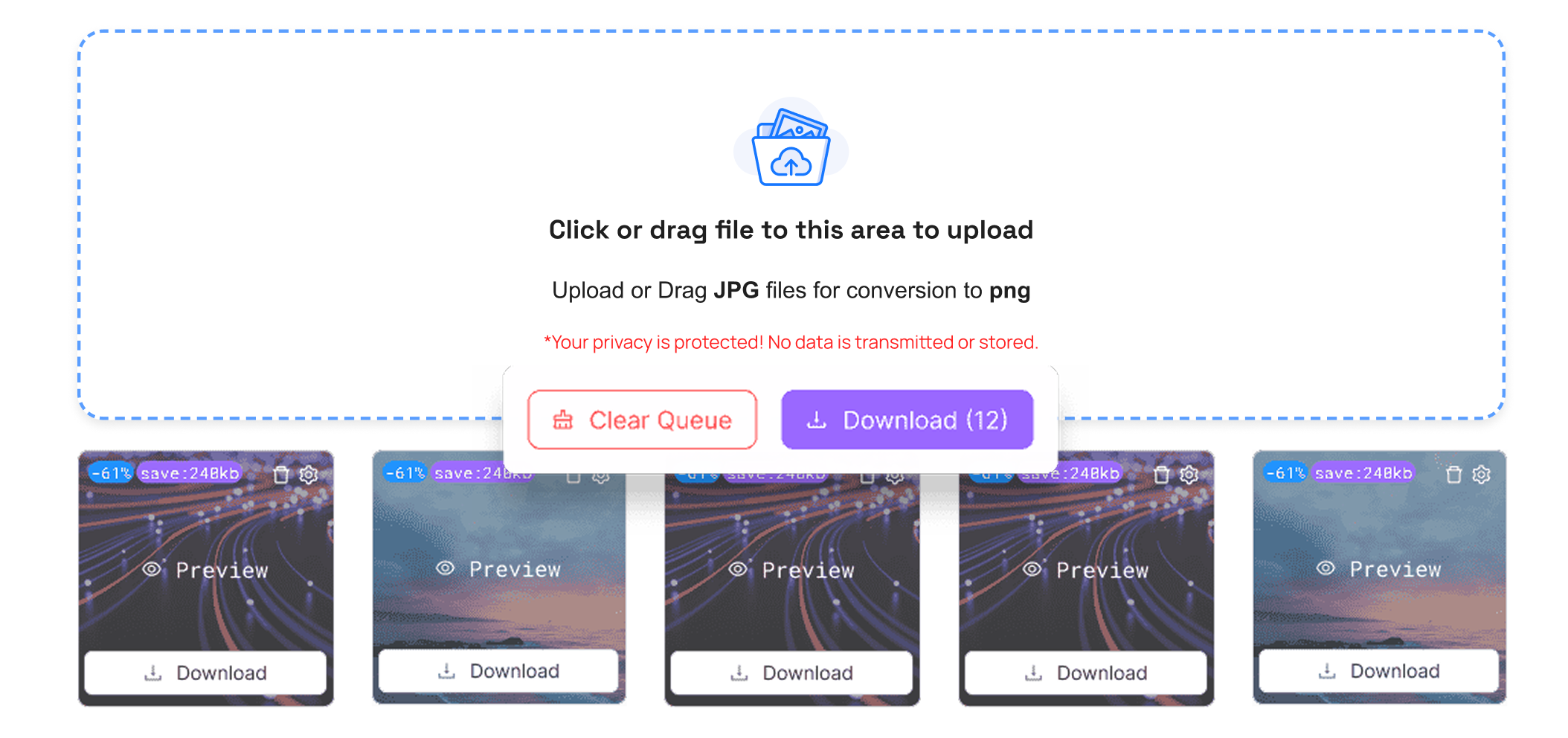
- Step 4: You can save your new GIF and share it on a web graphics blog or on social media.
Online vs Offline WEBP to GIF Converters
The online converters are fast and may be employed on any web-enabled device. There is nothing that needs to be set and updated.
Offline tools can have the benefit of being able to provide advanced editing capabilities at the expense of storage and require updating. To the majority, web-based PNG, JPG, ICO to GIF converters are quicker, much easier, and more convenient.
Conclusion
A good WEBP to GIF converter makes your site load quicker and makes it easier to use. With easy image format conversion, you are able to create lightweight images in a short period of time.
Start using a secure and fast image converter tool today. Improve your web-optimised images, boost performance, and make your content more shareable across platforms.



