


Free and fast JPG to ICO Converter Online
The ICO online tool is best used as a browser favicon or converter. favicon, Windows shortcut icon, and software icon. The JPG files are typically photographs and graphics, whereas the ICO files are intended for use as icons.
Any site or application must have a distinct icon. That tiny picture in the browser window, on the graphics, or on the desktop develops brand awareness. In its absence, your website or application can seem unfinished.
The conversion process is fast and quick. Upload your JPG, adopt the right icon size, and download your ICO file. The installation requires no software, no technical skills, and only a simple conversion of images into ICO files.
What Is JPG To ICO Conversion
A conversion implies the conversion of a JPG picture into an ICO file. ICO files support multiple sizes in a single file. This enables the file to appear appealing on all devices and screens.
Browsers utilize ICOs to portray favicons. Windows relies on desktop shortcuts and app icons in ICO format. The reason why ICO is a preferred format instead of other icons is due to multi-size support.
How to Change JPG files to ICO Online.
Converting the JPG images to ICO online with TrimIMG is easy and fast. All that occurs inside your browser.
- Upload your JPG image using an online converter.
- Choose icon size: 16x16, 32x32, or 256x256.
- Tweak the basic icon preferences (where necessary).
- Begin the conversion process.
- Download your ICO file and use it.
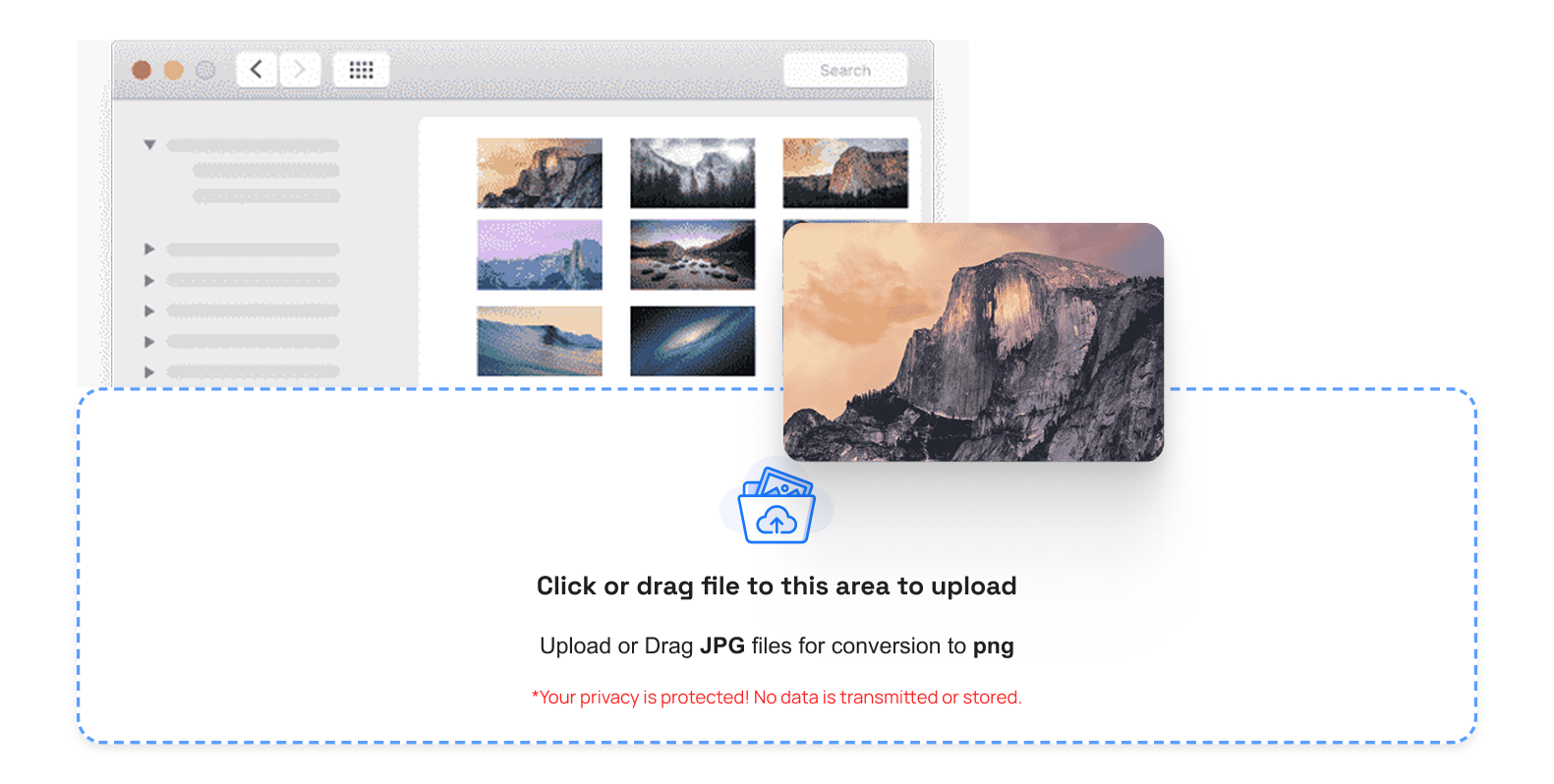
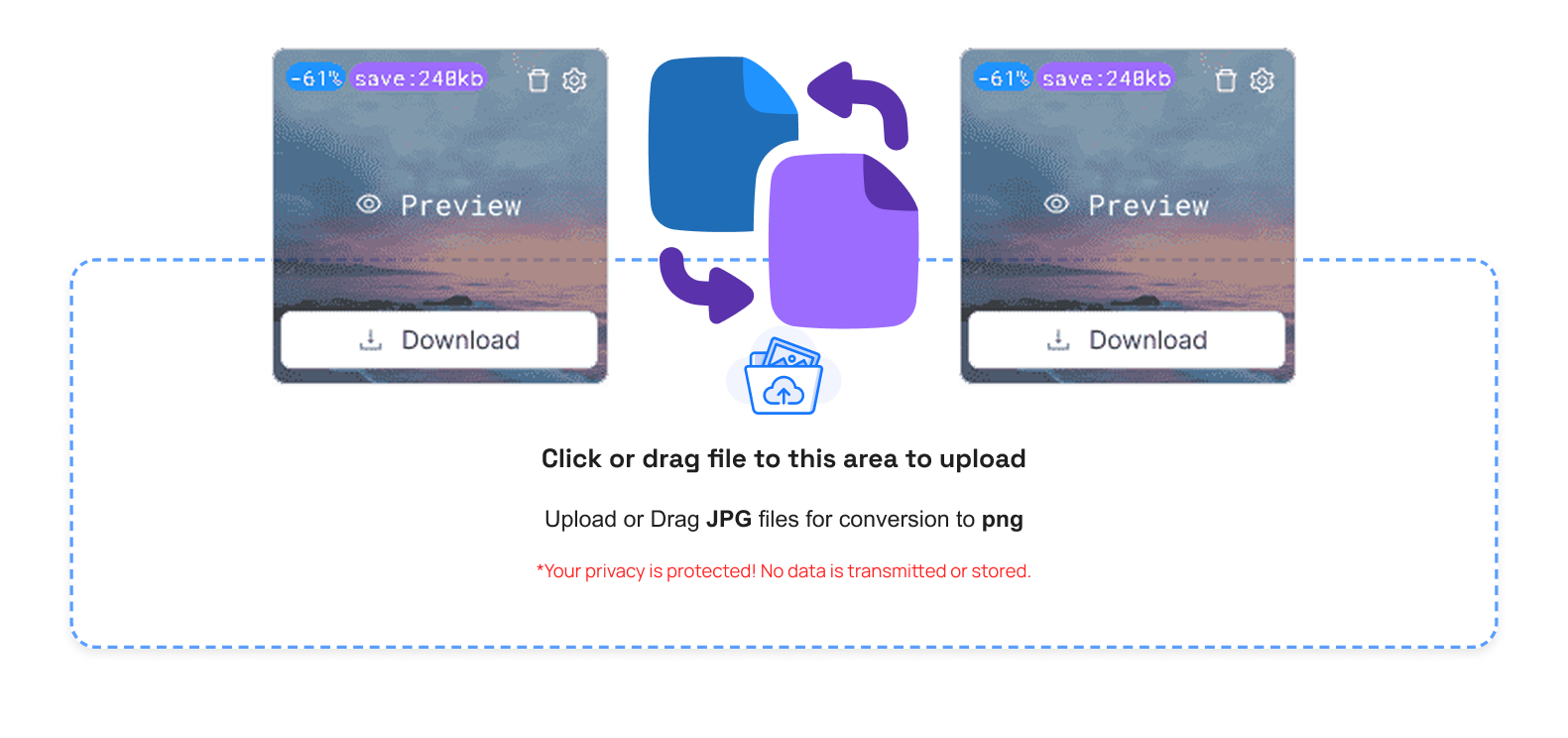
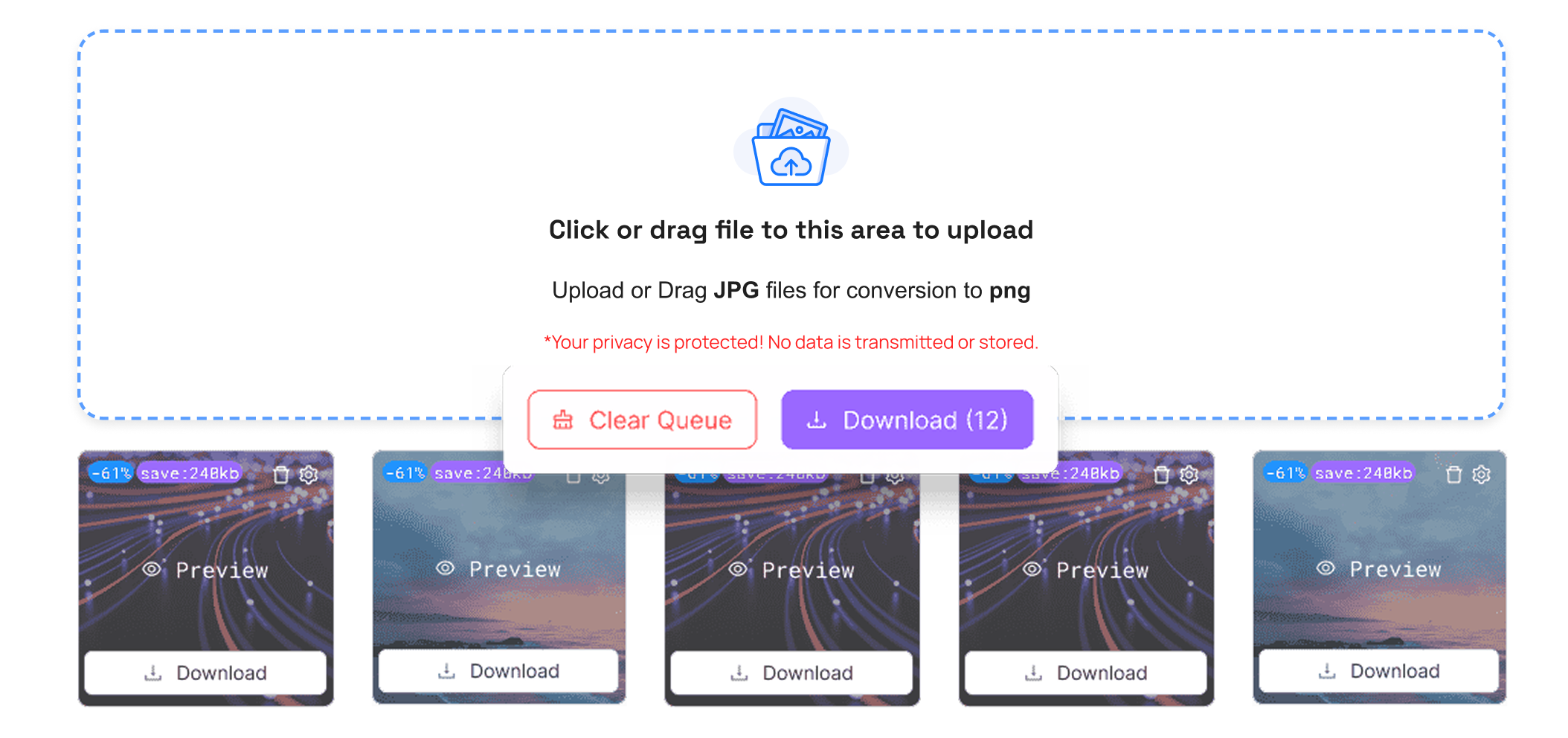
An excellent converter can handle multi-resolution ICO files and thus work with all devices. It is compatible with desktop and mobile browsers. TrimIMG helps you to convert your PNG file to ICO and BMP images to ICO.
Key Benefits of JPG image to ICO Conversion
There is harmony with the Windows system and all browsers because of converting JPG into ICO. It enhances professional branding by creating favicons (application icons). It is quick and creates multi-resolution ICO files. There is also a quick, easy way to create an ICO icon from a JPG, which can be used on a website or in software.
Conclusion
Converting JPG to ICO is simple and necessary. Favicons enhance a website's and Windows icons make it easier to recognize an app. A good image converter will ensure speed and multiple resolutions. Do not abandon your site or application without an icon.
Convert your SVG and WEBP files into ICO professional assets today and create icons for websites and software.



