


A converter helps create icons compatible with Windows operating systems and modern browsers. A favicon, or an app icon, is a painless procedure.
Icons can be miniature, yet they define your brand. Trust is established by a sharp icon on desktop shortcuts or taskbar icons. A clear favicon enhances compatibility across devices and browsers.
What an SVG to ICO converter is and why it is important
An ICO can be made out of an SVG with an SVG to ICO converter. SVG images are flexible and high-quality. Windows operating systems, nevertheless, have to use ICO files in order to show appropriate icons.
The ICO format can use multiple icon sizes on a single file. This is 16x16, 32x32, 64x64, and 256x256 pixels. These are also important to desktop shortcuts, taskbar icons, and software interfaces.
Multi-size support is also a guarantee of clear display on high-DPI monitors and Retina displays. Your icon is crisp on both high-end and basic screens.
Convert PNG to ICO and JPG to ICO quickly with TrimIMG. Create crisp Windows icons, favicons, and taskbar icons with secure HTTPS processing and no installation.
Features of a Professional SVG file to ICO Converter
Multi-resolution output permits the use of various icon sizes in a single ICO file. This allows easy scaling towards Windows operating systems.
Transparency support maintains clean backgrounds. Your icon blends dark and light subjects.
Your files are secured with HTTPS during upload and conversion. Stable sites also guarantee auto-deletion of files after processing. Your information is not left on the server.
Another important characteristic is fast performance. Conversion occurs immediately.
The converter can be used on Windows, Mac, or Linux, which is called cross-device access. All of it works in your browser. No installation is required.
These are user-friendly and trustworthy features.
Benefits of Using an Online SVG to ICO Converter
- The largest advantage is convenience. You do not require heavy software. An ICO converter is a browser-based SVG converter that works anywhere.
- Speed gives time when developing a site or implementing software. Desktop shortcut icons or taskbar icons can be made in a few seconds.
- Another advantage is increased compatibility. Windows operating systems completely support ICO files. They are also needed in the conventional favicon configuration.
- Sharp graphics are required on high-DPI monitors and Retina displays. Multi-size ICO files ensure your icon looks professional on any screen.
- Security matters too. Safe HTTPS processing and automatic file deletion are guaranteed.
- By far, clean icons enhance brand credibility. A nice favicon or application icon makes a good first impression.
How to Convert SVG images to ICO
It is user-friendly and easy to follow.
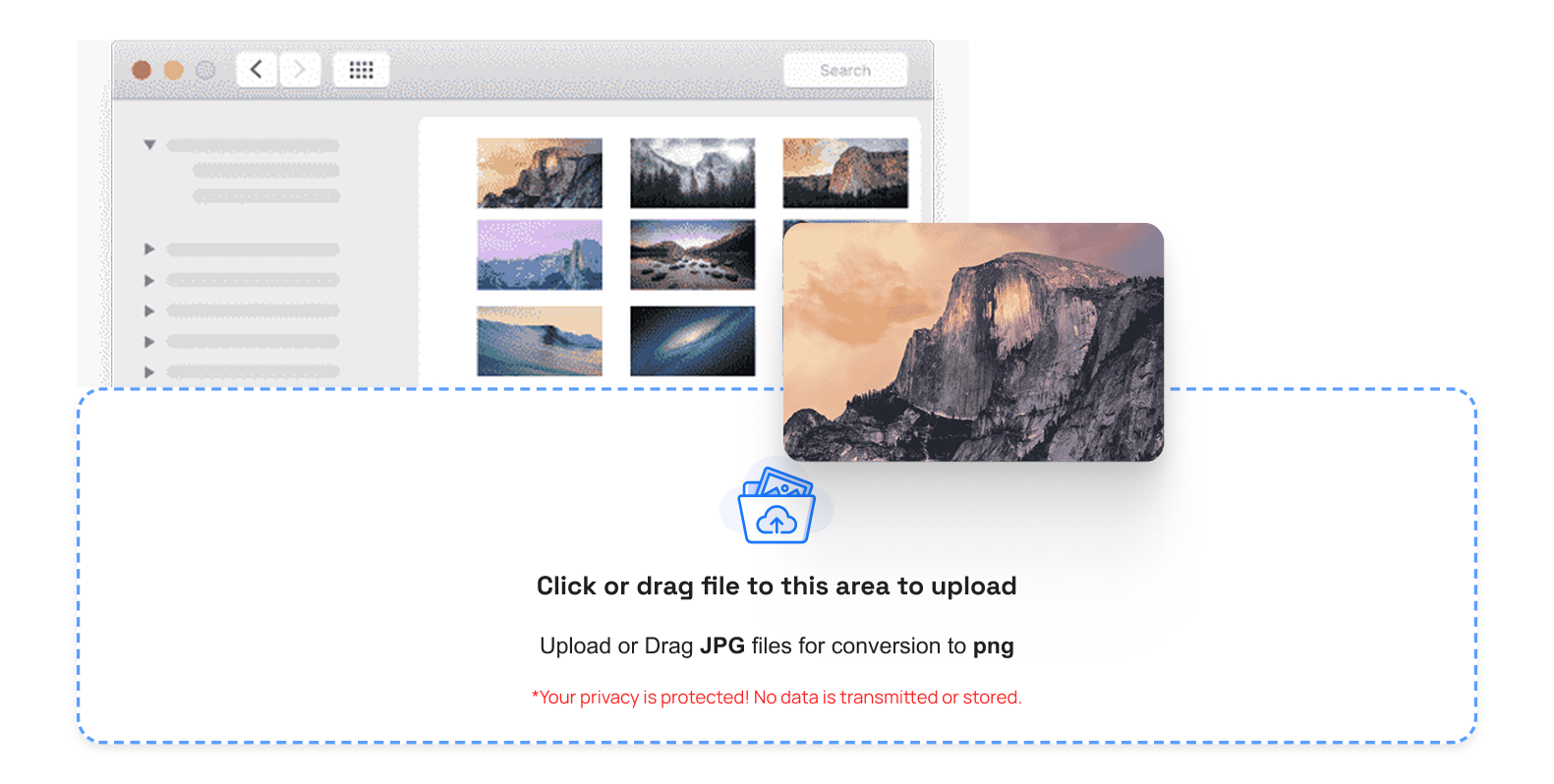
- Upload your SVG file.
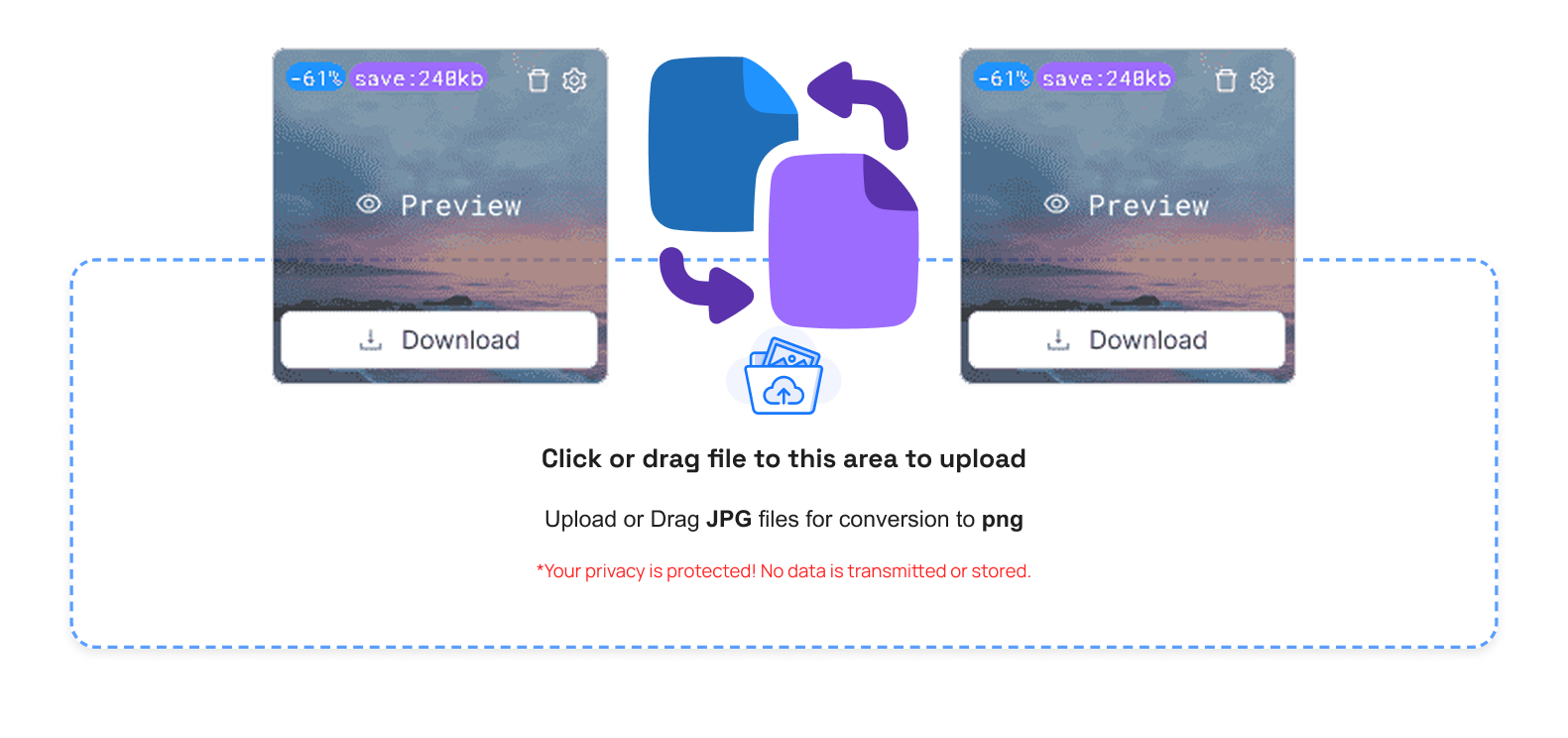
- You can choose the icon size you need, or select multi-size output.
- Download your ICO file.
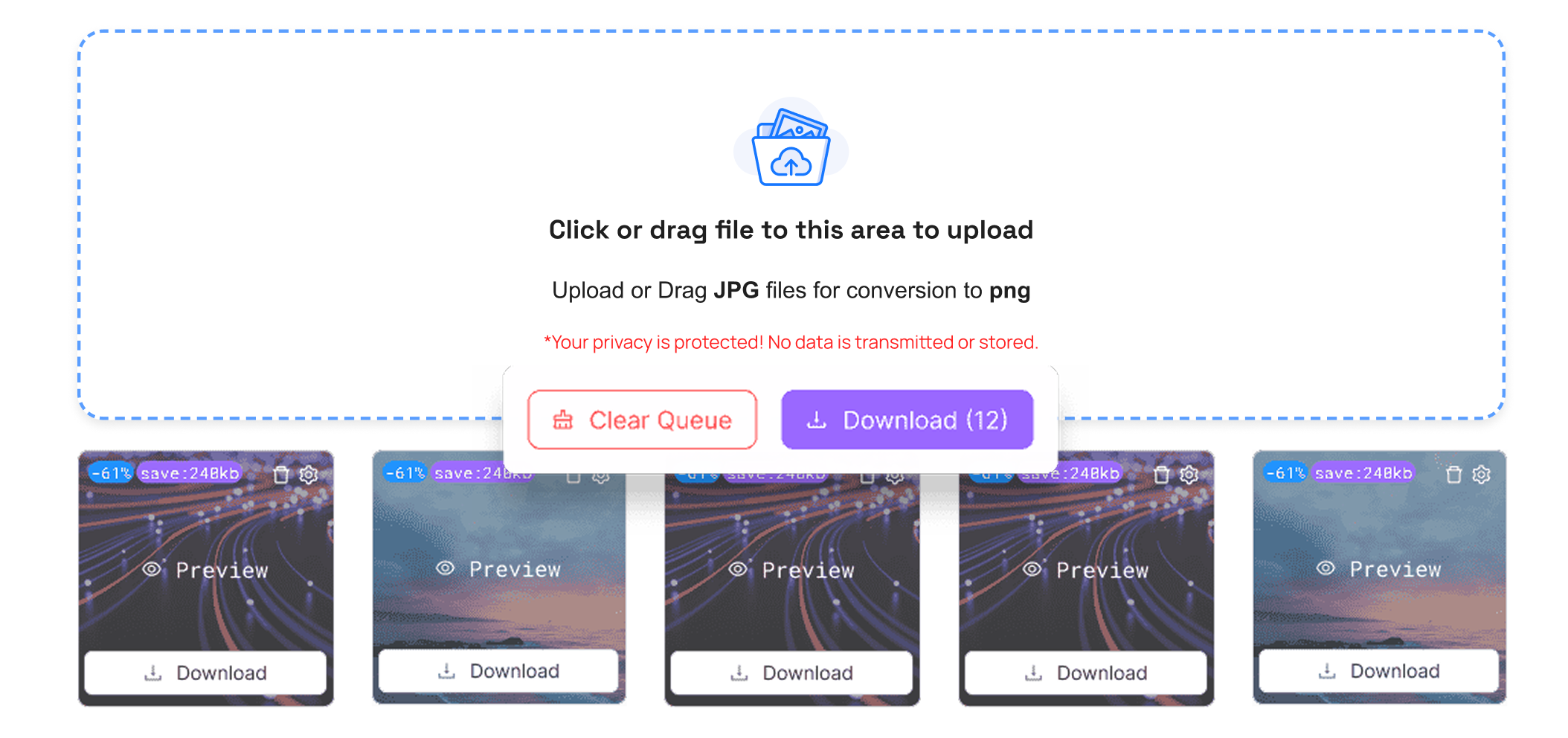
That is all. No technical steps. No complex settings.
After downloading the file. On a site, desktop shortcuts, taskbar icons, or favicons. All you would have to do is put it in your Include it in your HTML header and it should be supported in all browsers.
With TrimIMG Turn BMP to ICO and WEBP to ICO instantly. Generate multi-size, high-quality icons for desktop shortcuts, taskbar icons, and Windows applications safely and free.



