


GIF to ICO Easy Online Conversion for Windows Icons
The process requires easy online converters. Prefer the right size of icon? Upload your GIF, choose it, and have your ICO within seconds. It does not require any software, and anybody can do it.
GIF provides style and uniqueness to your projects as ICO. Your desktop, applications, or websites are more professional. Free and safe tools are those that are trusted and can work anywhere in the world. It is the perfect free desktop converter and WebI.
What Is GIF to ICO Conversion?
A conversion is a conversion of a GIF image to an ICO file. GIFs are small images that can be animated and shared online. ICO files are Windows icons displayed on desktops, in applications, and on web tabs. Converting a good-quality online will make sure that your icons will appear sharp and professional all over.
You can easily convert your SVG, BMP, and HEIC images into ICO with TrimIMG.
Why You Should Change GIF images into ICO.
Changing the GIF format to ICO makes your files look professional. It assists with web, application, and desktop shortcuts. It does not require sophisticated software. It is very simple and quick through online tools. Converting a GIF to an ICO can be done quickly, in a few minutes, even by beginners without technical knowledge. GIFs can also be used as an ICO across apps and sites worldwide to maintain a uniform appearance.
How to convert GIF images to ICO
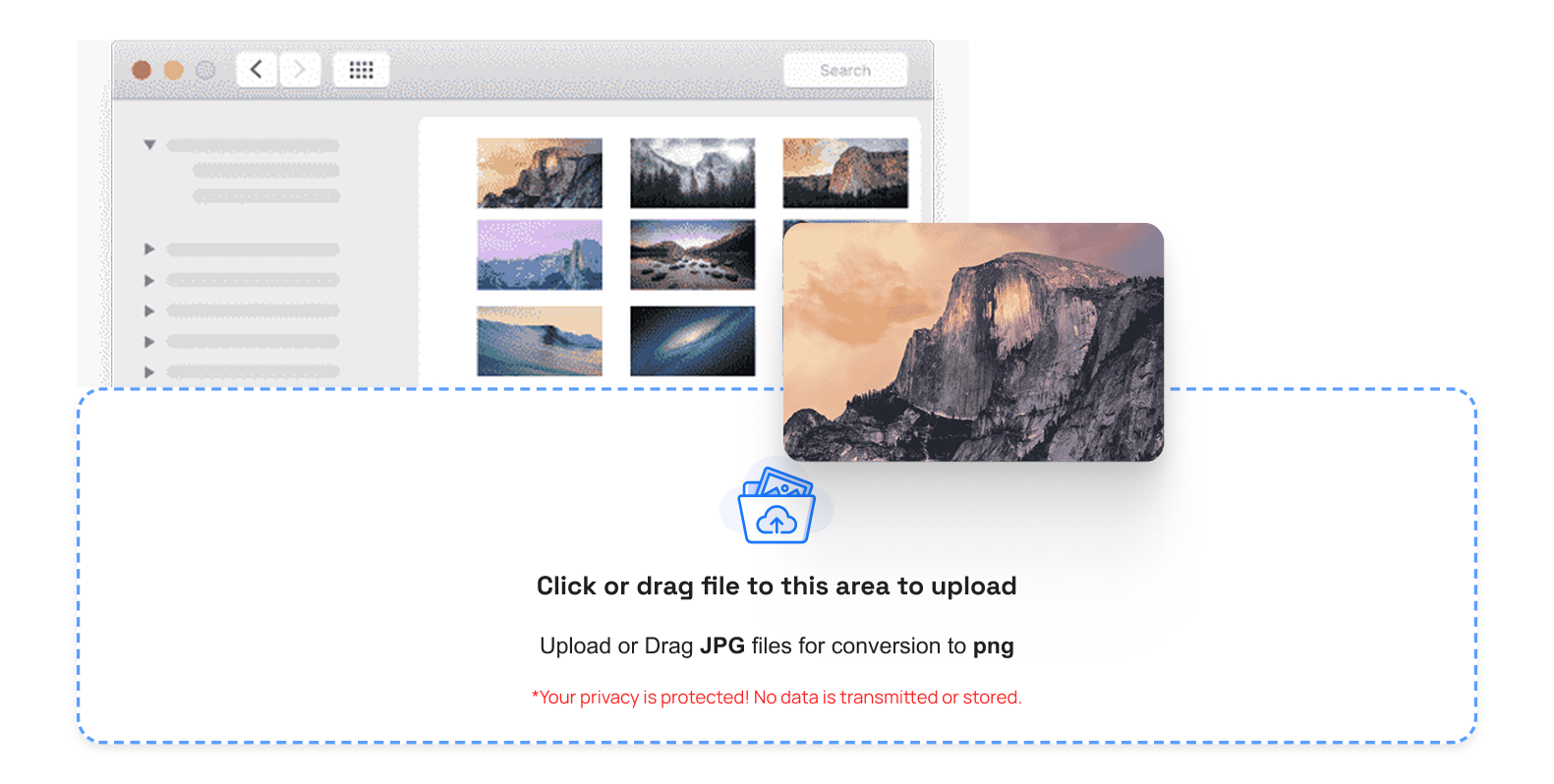
Upload Your GIF
To begin with, post the GIF file to convert it. Ensure the file is in GIF format. Most online converters accept files up to a few megabytes.
Choose Icon Size
Select the correct size of your ICO file. The most common ones are 16x16, 32x32, 48x48, 64x64, and 256x256. Select the right size, and your icon will always remain clean and crisp across every device.
Convert Online
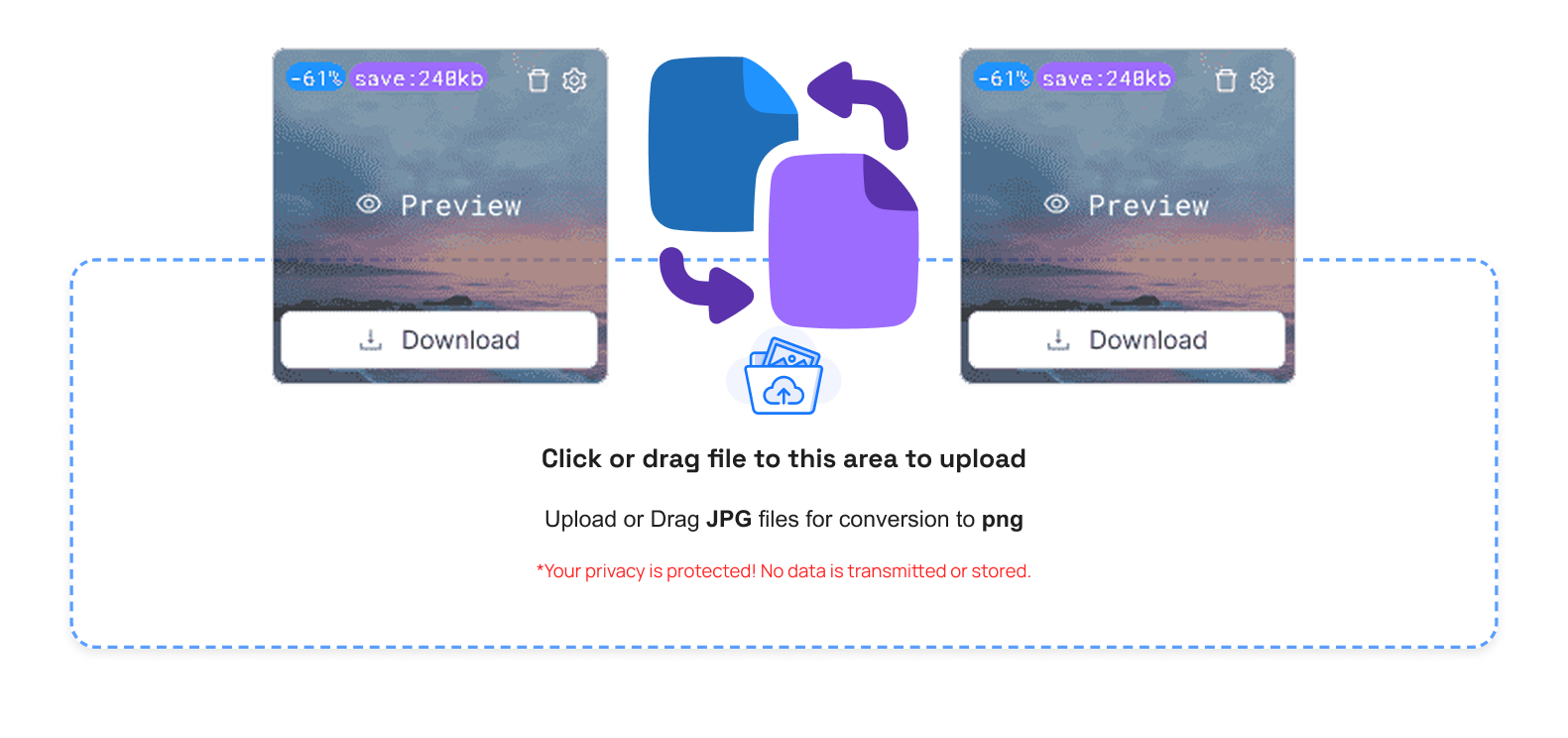
Select and create your ICO file. It is a quick and easy procedure. You are not required to have any technical knowledge.
Download Your ICO File
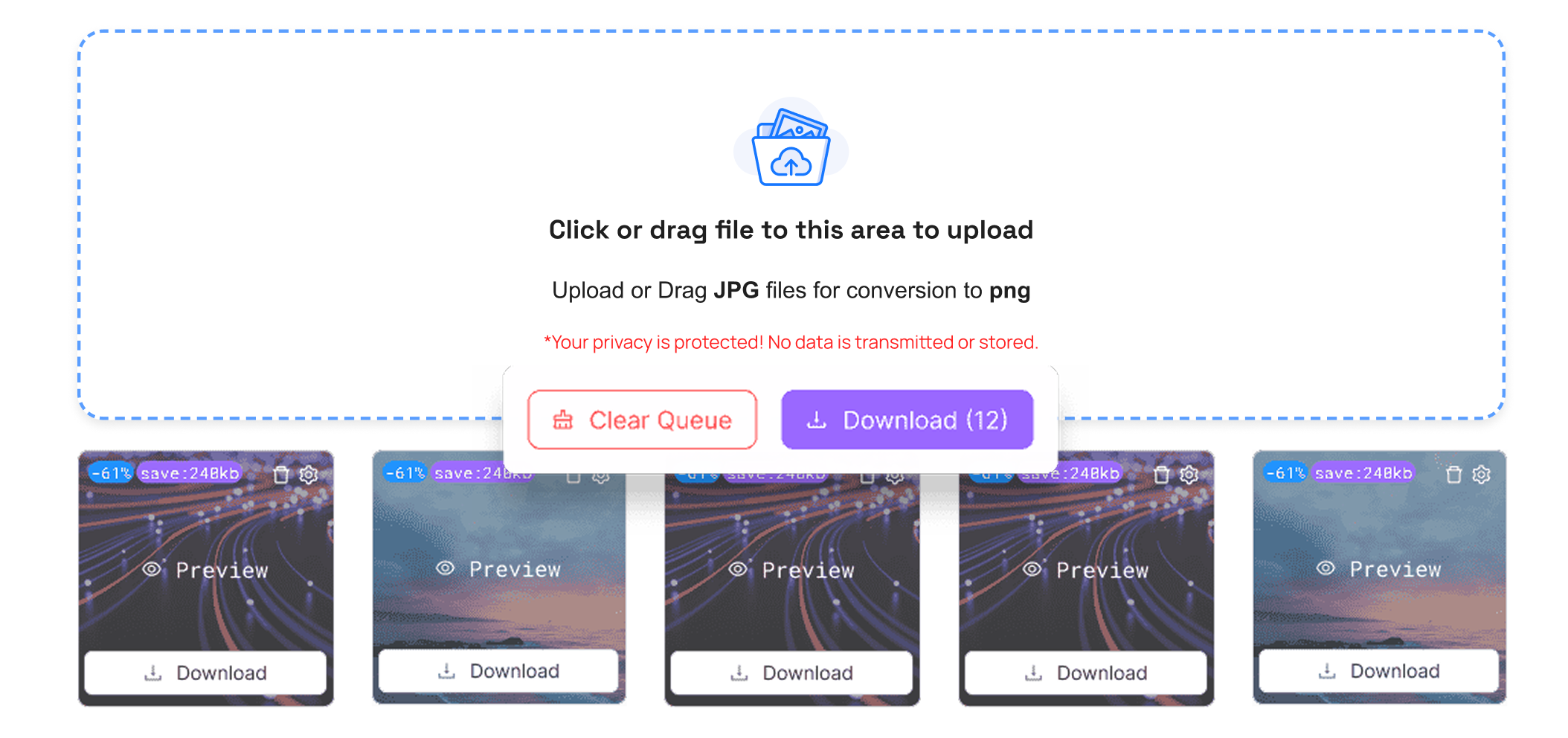
Download your ICO after conversion. You may make it a desktop shortcut, an app, or a site favicon. It is a safe procedure that can be performed on an international scale.
Either you need to convert your PNG, JPG, or WEBP to ICO, TrimIMG makes it easy and free.
Key Benefits of Conversion
- Make Windows icons fast.
- Use GIFs as website favicons.
- No program to install.
- Fast conversion online.
- Free and secure.
- Works on any device.
- Best GIF to ICO Conversion on the Internet.
Features of GIF to ICO Converters
- Simple uploading and downloading.
- High-quality ICO output.
- Mobile and friendly to the browser.
- Non-technical automatic conversion.
- Turn a free GIF into a desktop and Web ICO.
- Use GIF as an ICO on applications and websites worldwide.
Common Problems and Solutions
Animated GIFs cannot be animated as ICOs. Blurry icons occur when the resolution is insufficient. The best results with GIFs are when you resize them or select larger sizes. Most of the problems are automatically resolved by trusted online converters.
GIF to ICO Conversion for Different Platforms
- Click on Windows desktop shortcuts with ICO.
- Use ICO as website favicon.
- Apply ICO to applications and software.



